Getting Started with Score Judge
Set up a competition with live judging and a public leaderboard in about 15 minutes.
Getting Started with Score Judge
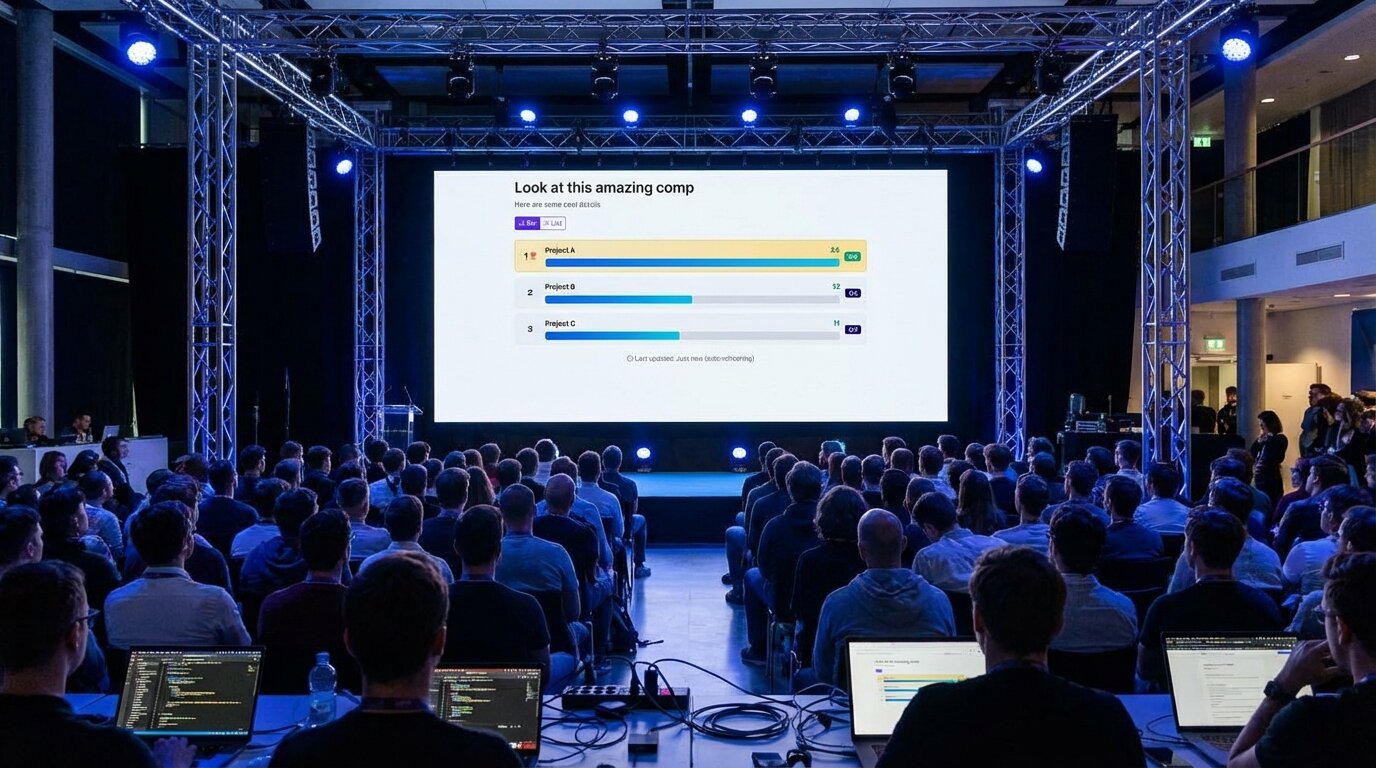
You can have judges scoring and a live leaderboard running in about 15 minutes. Here's how.
Create Your Competition
Sign up at the Score Judge homepage with your email. Once you're in, click "New Competition" from your dashboard.
You'll need three things:
-
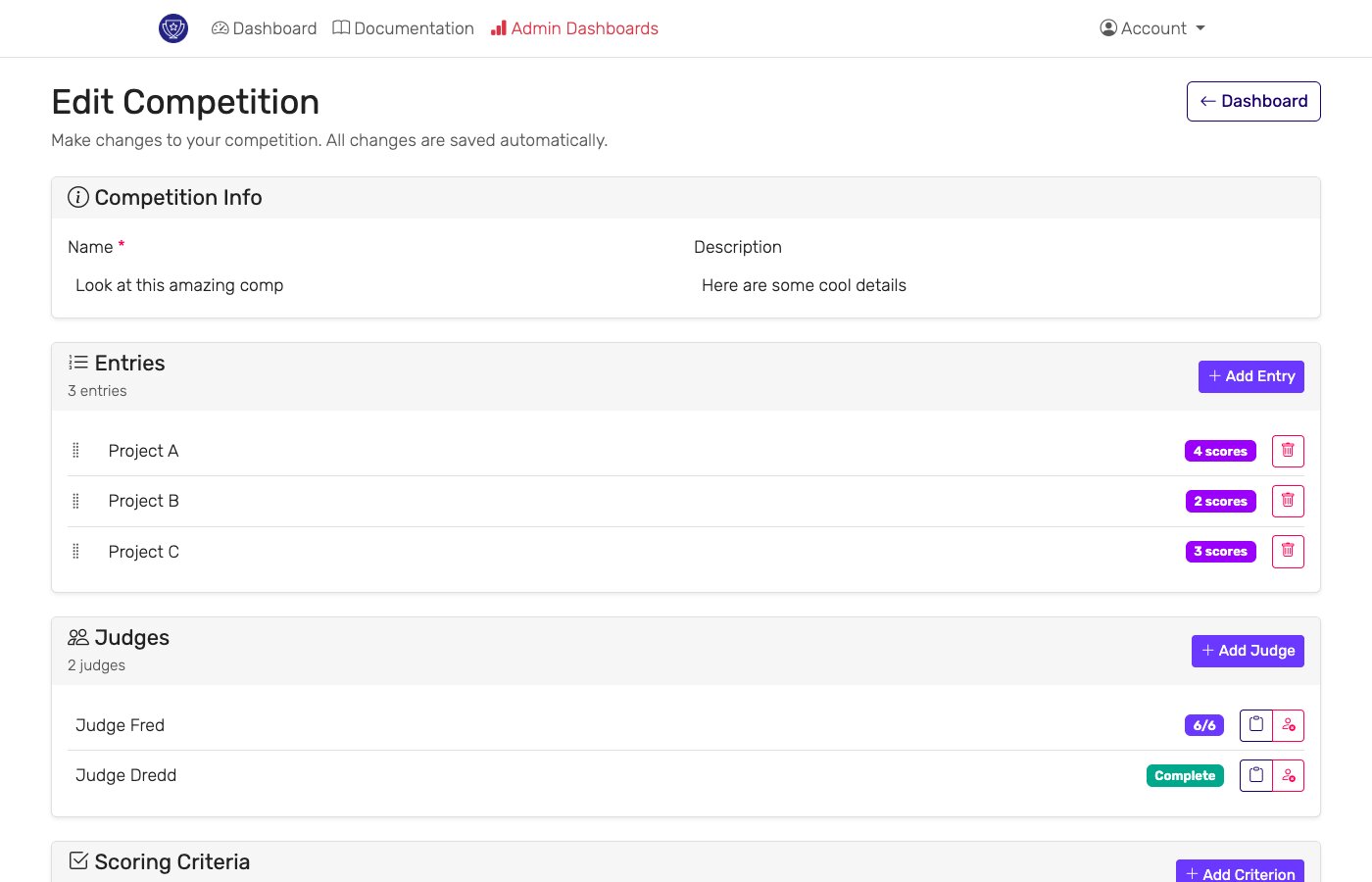
Basic info: Competition name, optional description, date and time.
-
Contestants: Add them one at a time or bulk import via CSV. Include names and any details you want judges to see.
-
Scoring criteria: Define your categories (something like "Innovation", "Presentation", "Feasibility"). Pick your scale — 1-5, 1-10, whatever works — and decide whether you want scores averaged or summed.
That's the core setup. Save it and move on.
Add Your Judges
Enter each judge's name and email. Score Judge generates a unique scoring link for each one — no login required, no app to download.
Copy each judge's link from the dashboard and send it yourself — email, text, Slack, whatever works for your group. Include the scoring criteria so judges know what they're evaluating before they arrive.
Keep a backup list of judge phone numbers for the day of the event. If a judge loses their link, you can grab a fresh one from the admin dashboard and send it directly.
Test Before You Go Live
Open preview mode and click around. Check that the public leaderboard looks right. Submit test scores and verify the calculations match what you expect.
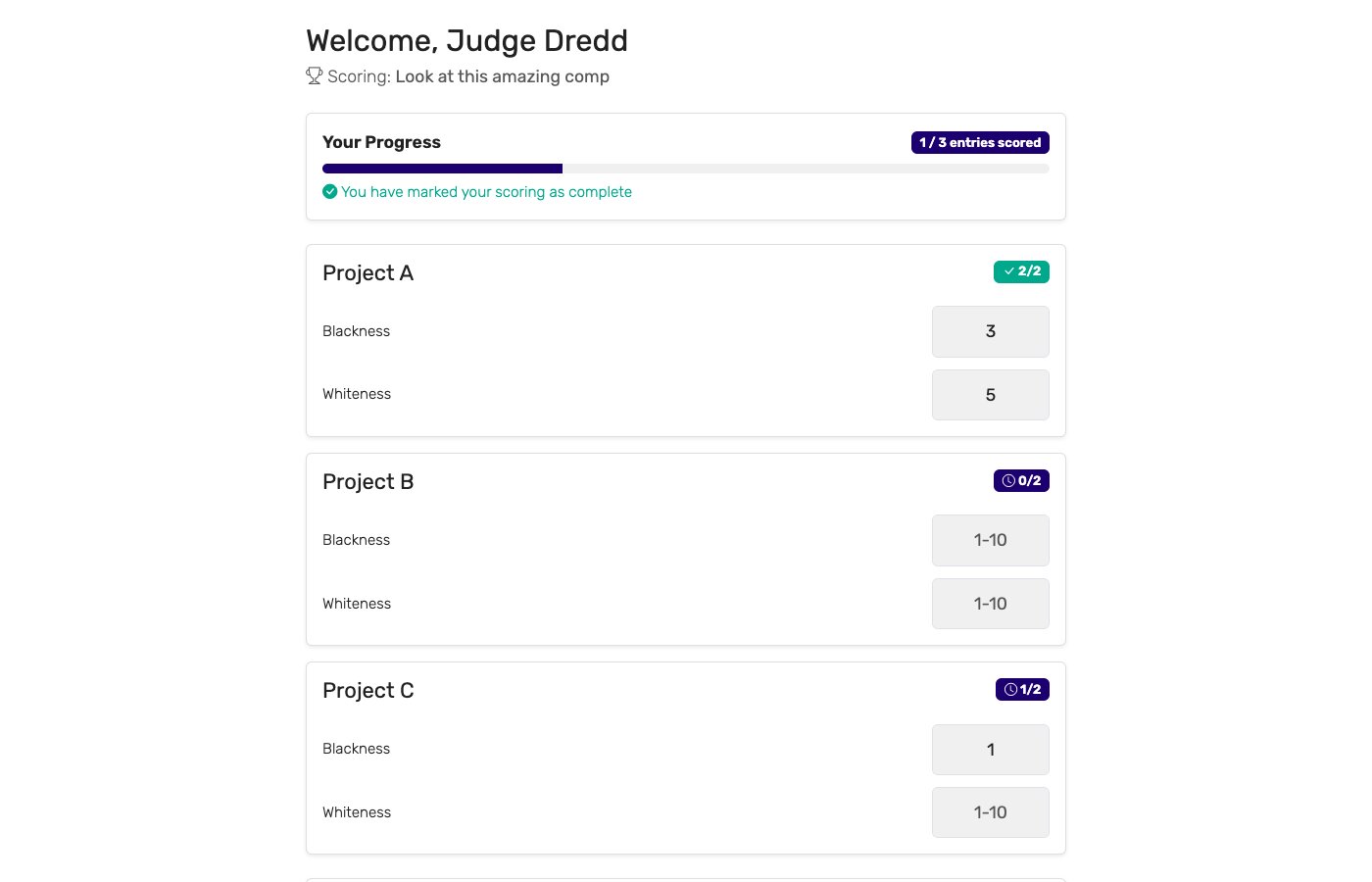
Send yourself a test scoring link. Make sure the judge interface is clear enough that your least technical judge won't get confused. If something looks wrong, fix it now — not during the live event.
Launch
Switch from "Setup" to "Live" mode. Share the public leaderboard link with your audience. Give judges their final instructions.
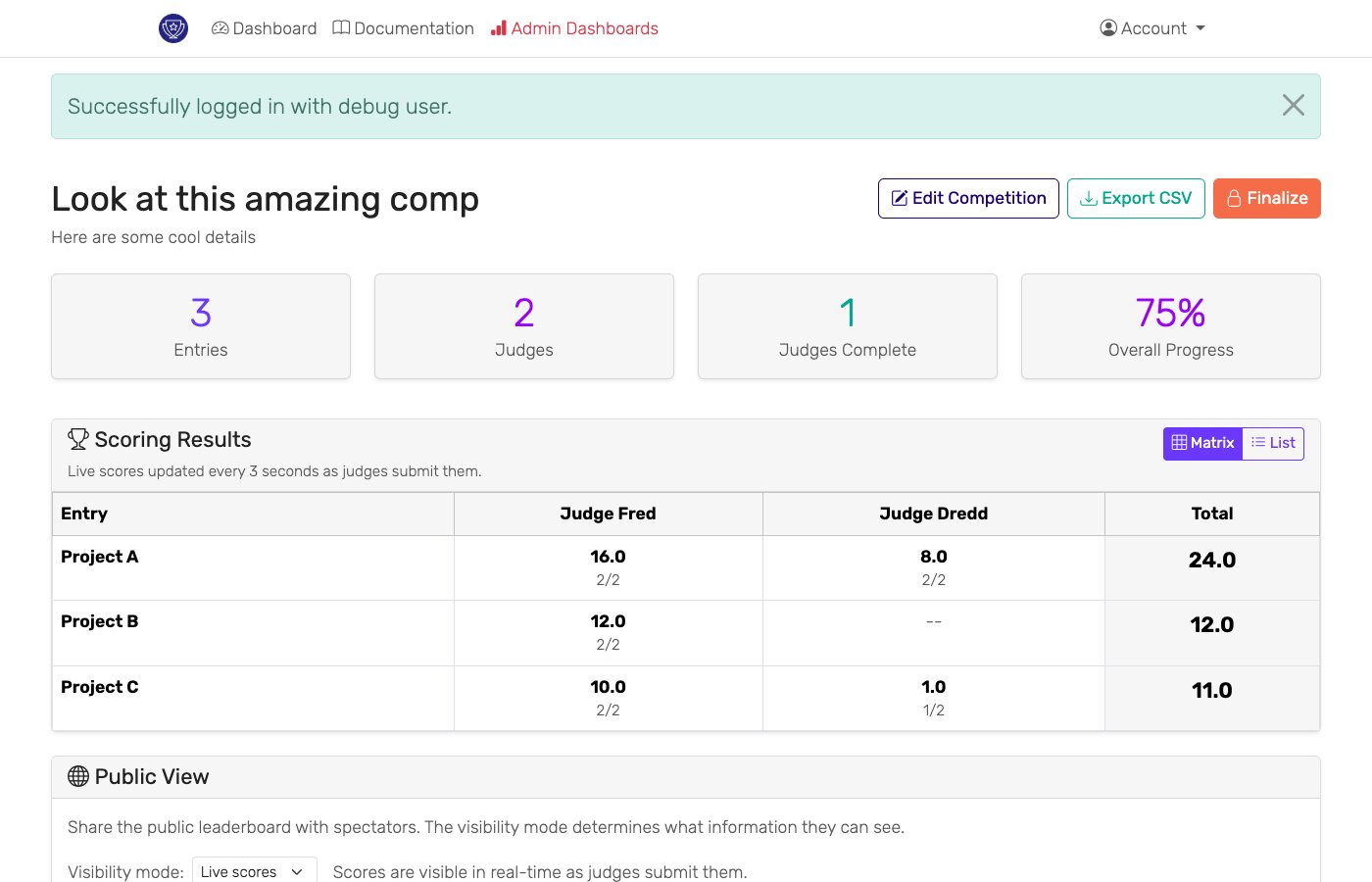
Scores appear on the leaderboard as judges submit them. You'll watch the admin dashboard to track who's scored and who's fallen behind.
Display Options
Big Screen
Open the public leaderboard on your presentation laptop. Connect to projector. Hit F11 for fullscreen. The display refreshes automatically as new scores arrive.
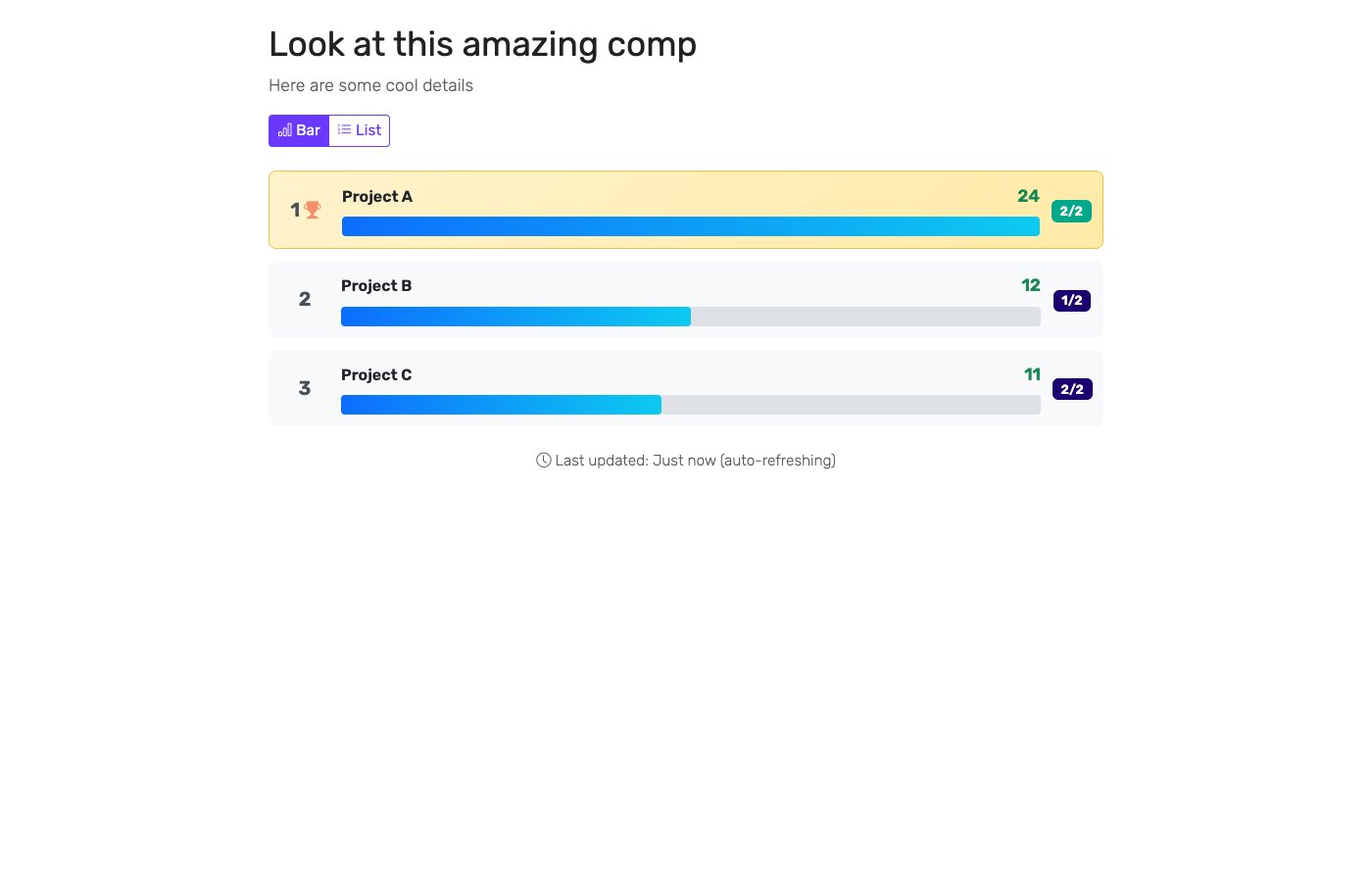
Embedded
Grab the embed code from your dashboard and paste it into your website, blog, or streaming software. The embedded version updates in real-time too.
Mobile
Share the leaderboard URL via QR code at the venue. Attendees can follow along on their phones without downloading anything.
What Goes Wrong (And How to Handle It)
Judge can't access their link
Check that the link wasn't mangled during copy-paste. You can generate a fresh link from the admin dashboard and send it directly to the judge.
Scores aren't appearing
Make sure you're in "Live" mode, not "Setup". Confirm judges clicked "Submit" after entering scores. Refresh the leaderboard page.
Display looks broken
Try fullscreen mode. Check your internet connection — the real-time updates need a stable connection. Clear browser cache if the display seems stuck.
Judge is confused
This happens. Have clear written instructions ready, with screenshots of the scoring interface. Keep someone available during the event to field questions.
Common Setups
Hackathons: Multiple criteria (technical innovation, presentation, business viability), panel of technical and business judges, rapid scoring of many teams.
Talent shows: Performance categories like technique, creativity, and stage presence. Works well with judges who aren't especially tech-savvy.
Academic competitions: Debate tournaments, science fairs, speech contests. Criteria like argument strength, scientific method, or delivery.
Pitch contests: Business model, market opportunity, team strength. Judges from VC, accelerators, or industry.
Next Steps
- Read the Admin Dashboard Guide for monitoring tools and advanced features
- Check Technical Requirements to ensure your setup is ready
- Contact us if you have questions
Ready? Sign up now and create your first competition.