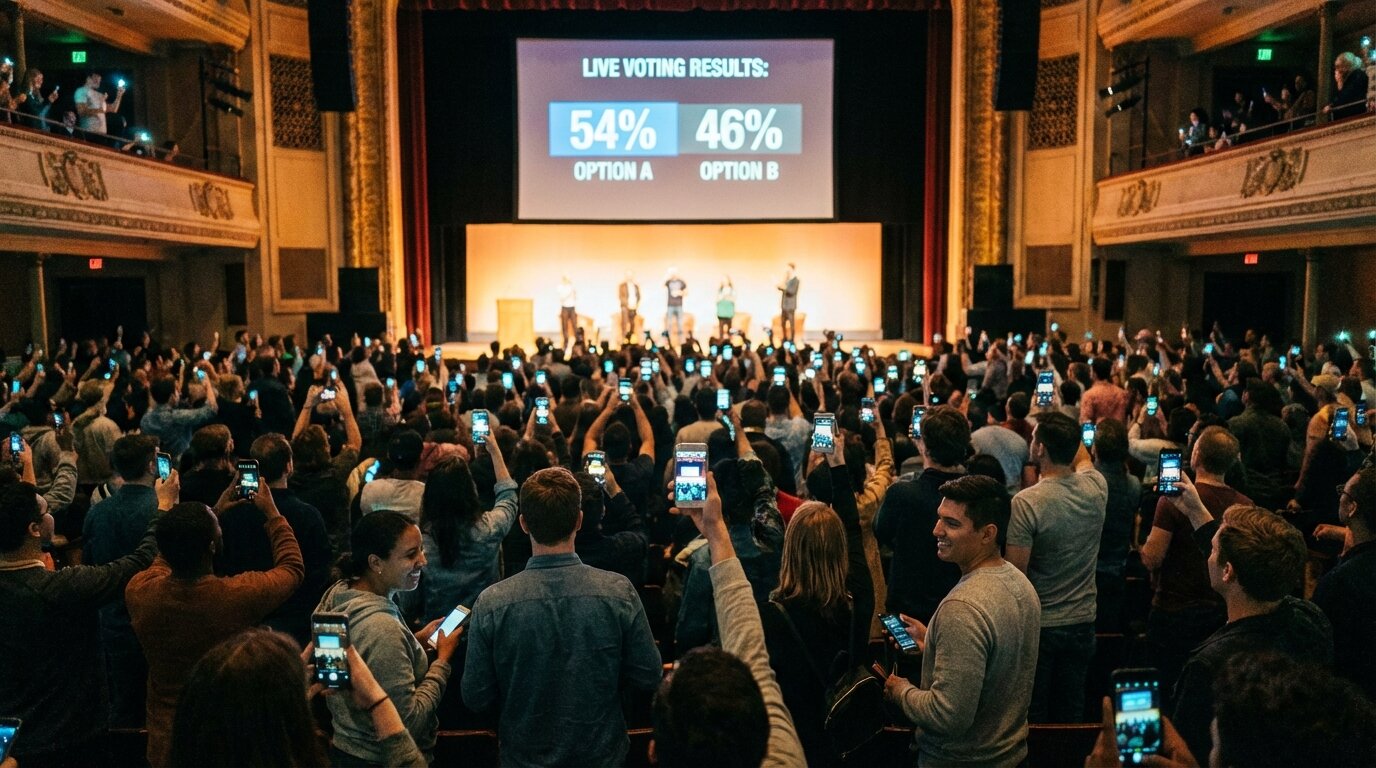
Product hero image: Audience at live event voting on their phones with results displayed on screen

Live Audience Response System for Events

Let your entire audience vote from their phones. A free live polling app with anonymous scoring, real-time results, and instant leaderboards on the big screen. No app download required.

Picture of Ashley Picture of Steven Picture of Jose Picture of customer Picture of Luis
4.7
Trusted by 1,907 organizers

Up to unlimited audience size

The free plan supports 25 voters, Plus 250, and Pro has no limit. Everyone votes from their phone.

Anonymous voting

Voters remain anonymous, encouraging honest scores without social pressure or bias.

Instant results on screen

Watch votes and scores update live on the big screen as your audience submits their choices.

No app download needed

One shared link or QR code. Voters use any browser on any device - zero friction.

Talent Shows & Competitions

Let your entire audience become judges. Everyone votes from their phone, scores aggregate in real-time, and results display live on stage. Perfect for school talent shows and community events.
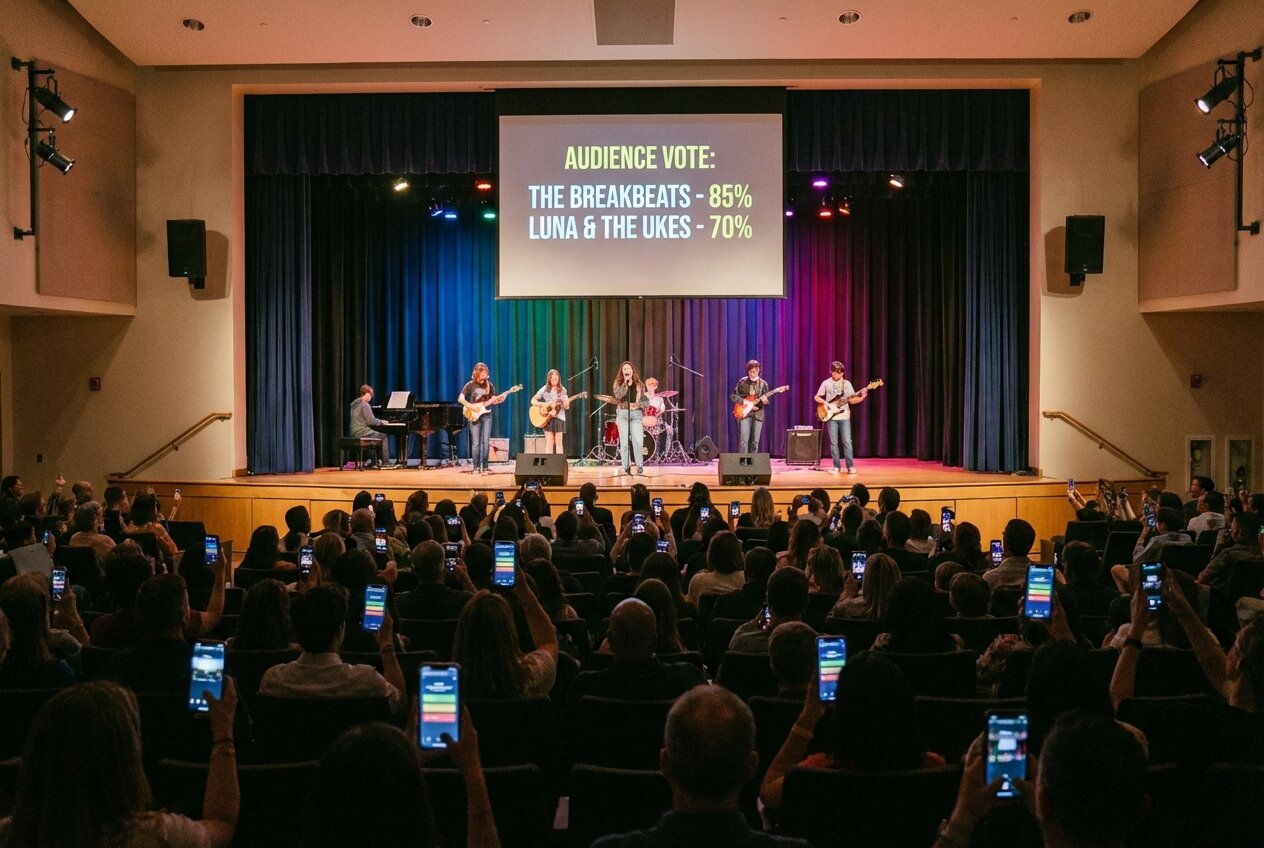
Feature screenshot: Audience at talent show voting on their phones

Corporate Events & Awards

Run employee awards, hackathon demos, or innovation showcases with audience voting. Anonymous voting encourages honest feedback while keeping things fun.

Feature screenshot: Corporate event with audience voting on presentations

Conferences & Presentations

Let attendees vote on best speaker, most innovative idea, or audience choice awards. Share one link, collect hundreds of votes, display results instantly.

Feature screenshot: Conference audience voting on presentations

Community & Charity Events

Run bake-off competitions, costume contests, or fundraiser voting. The free plan supports 25 voters, with paid plans scaling up to unlimited.

Feature screenshot: Community event with audience participating in voting

Works on Any Device

Voters use their own phones - no app download needed. One shared link, works on any browser. Display results on the big screen in real-time.
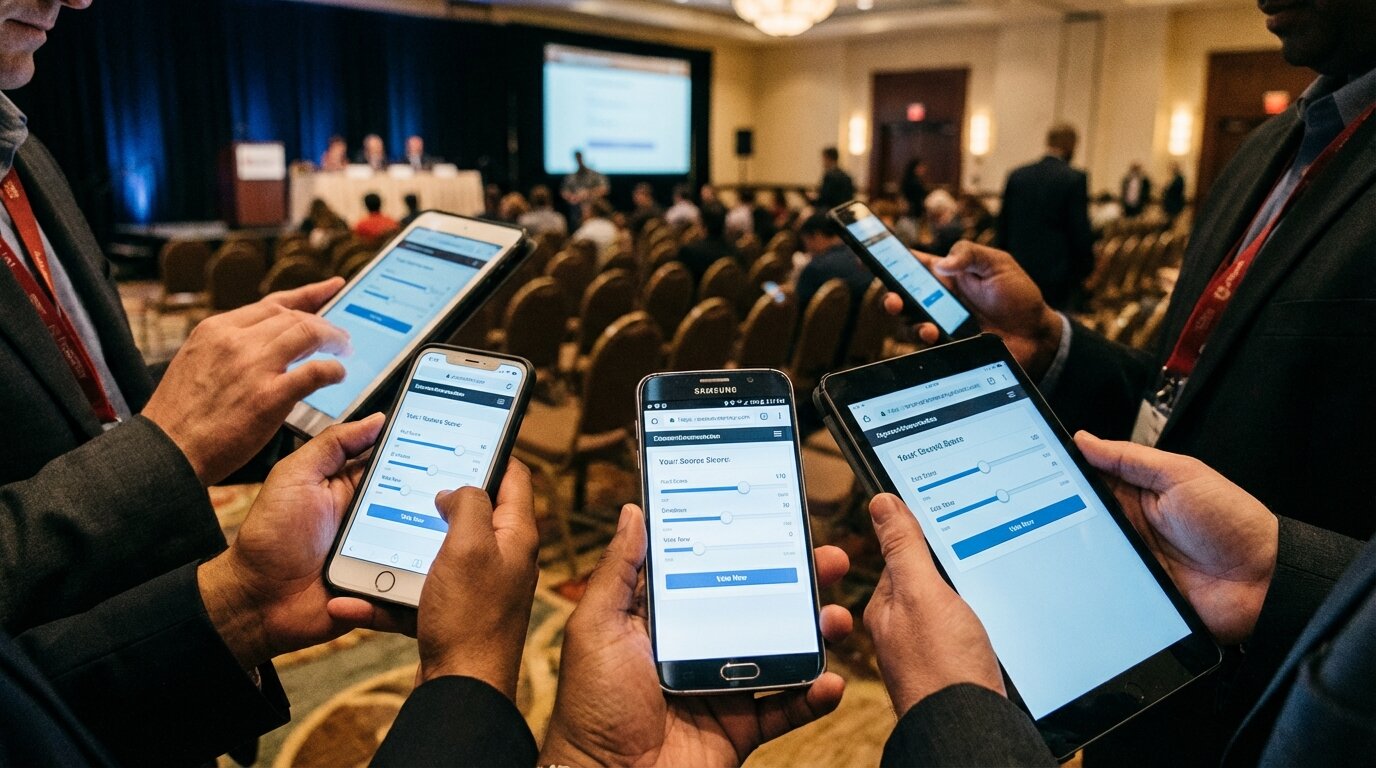
Feature screenshot: Multiple devices showing audience voting interface

Features

Up to Unlimited Voters

The free plan supports 25 voters, Plus supports 250, and Pro has no limit. See the <a href='/pricing/'>pricing page</a> for details.

Anonymous Voting

Voters remain anonymous - no names collected. Encourages honest scoring without social pressure.

One Shared Link

Share a single voting link with your entire audience. Display as QR code or share via text.

Real-Time Audience Response

Watch vote counts and scores update live as the audience submits. Build excitement with every vote.

No App Required

Voters use their own phones with any browser. No downloads, no accounts, no friction.

Big Screen Display

Show live results on projectors, TVs, or live streams. Perfect for event venues.

One Vote Per Device

Built-in duplicate prevention ensures fair voting. Each device can only vote once.

Submit All at Once

Voters score all entries, then submit everything together. No partial submissions.

Detailed Analytics

See total votes, score breakdowns, and participation metrics. Export data for analysis.

Audience response system — FAQ

An audience response system lets everyone in a room respond or vote from their own device, with results collected and displayed live. Traditional systems used dedicated handheld "clickers"; modern ones like ScoreJudge run in the phone's browser — you share one link or QR code, the audience scores the entries, and the leaderboard updates on the big screen in real time. No hardware, no app, no accounts.

You create a competition, add the entries (acts, dishes, demos, presentations), and pick how the audience votes — numeric scoring on your criteria, or drag-to-rank. You then display a single QR code on the main screen. Audience members scan it, score every entry from their phone, and submit once. Scores aggregate instantly into a live leaderboard you can project during the event. See the step-by-step setup guide for the full walkthrough.

Yes. The free plan runs a real event with up to 25 unique voters per competition — no credit card, no time limit, and no ads on the voting screen. The Plus plan raises the cap to 250 voters and the Pro plan removes it entirely. See the pricing page for details.

No. Voters open the link in any phone browser and start scoring — iOS, Android, or desktop. There is no app to install, no account to create, and no password. That is the single biggest reason a phone-based audience response system beats clicker hardware: there is nothing to hand out and nothing to collect afterwards.

Slido and Poll Everywhere are polling and Q&A tools — built around asking the audience one question with several answer options. ScoreJudge is built around scoring a list of entries against criteria, with a real leaderboard at the end. For a conference Q&A, a polling tool is the right fit; for a talent show, cook-off, or awards night, you want entry-based scoring. See the Slido alternatives comparison for the full breakdown.

Yes — anonymous voting is the default. Voters do not give a name or email, which encourages honest scoring and removes social pressure. Built-in per-device duplicate prevention keeps one device to one ballot, so casual double-voting is blocked without forcing anyone to log in.

The free plan supports up to 25 unique voters per competition, Plus covers 250, and Pro is unlimited. Whether it's a 20-person classroom or a 500-person awards night, votes are submitted as a single ballot per device, which keeps the system light on venue Wi-Fi.

Trusted by event organizers

Real-time judging for competitions worldwide

1,907

Competitions Created

57,312

Scores Submitted

100%

Fair & Transparent

Create Your Voting Competition
Picture of Ashley Picture of Steven Picture of Jose Picture of customer Picture of Luis
4.7
Trusted by 1,907 organizers