What is karaoke competition judging software?
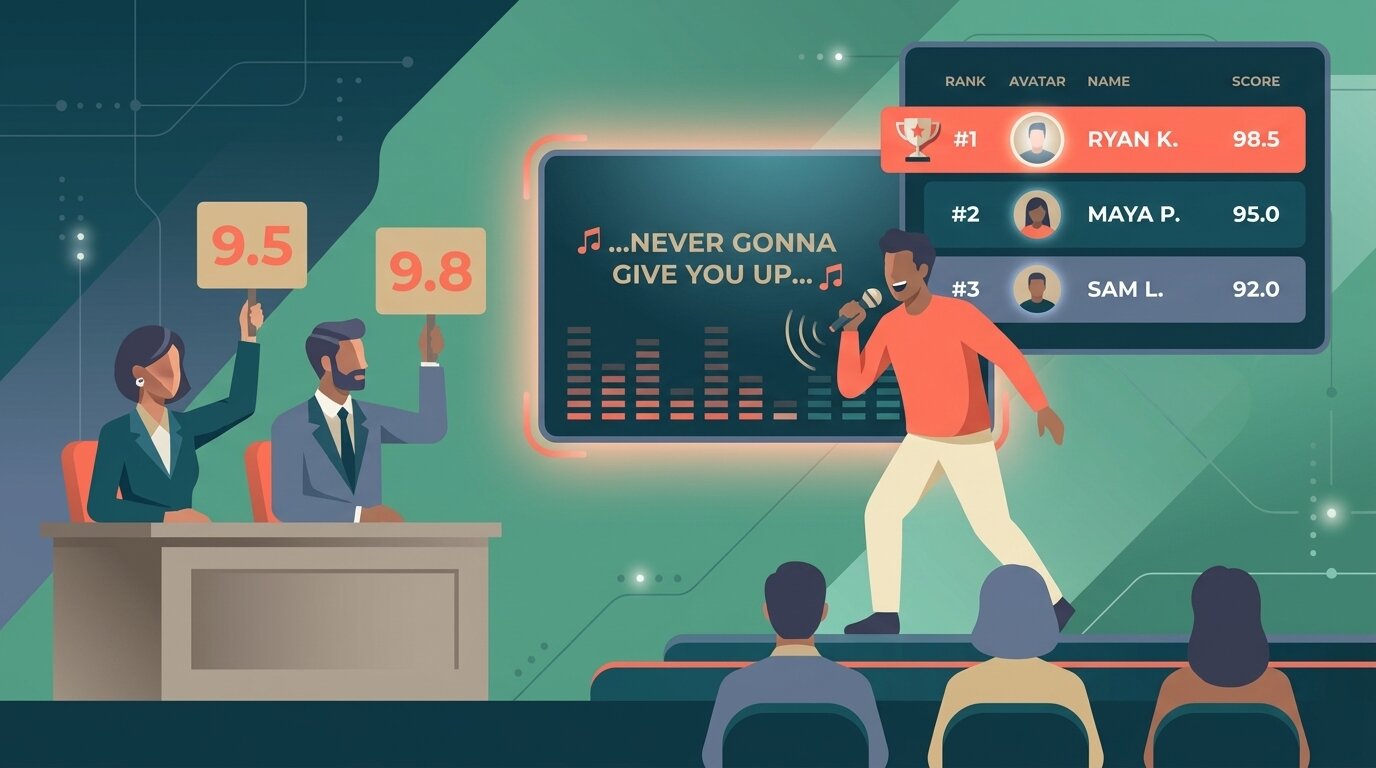
Karaoke competition judging software is a tool that lets a panel of judges score singers on shared criteria – vocals, performance, song choice, and crowd reaction – from their phones or tablets, and produces a live, transparent ranking. It replaces paper scorecards and back-room tallies with real-time scoring and a leaderboard the venue can display on a screen or TV.
Most karaoke nights still end with a host collecting scraps of paper, adding up numbers in their head, and announcing a winner the audience has no way to verify. That works for casual fun, but for a serious bar competition, charity fundraiser, or annual championship it creates exactly the thing you want to avoid: arguments.
Digital scoring removes the ambiguity. Judges score on their phones as each singer finishes, the totals calculate automatically, and a live leaderboard shows the crowd where everyone stands in real time. For a broader overview of the category, see what is judging software.
How it works
Setting up a karaoke competition takes about as long as writing out a paper scoresheet template – except you only do it once.
- Create the competition Add your performers (or leave them open to enter on the night) and decide how many judges will score. A bar competition typically uses two or three judges; championship events may use five.
- Set up your scoring criteria Add criteria such as vocals, performance, song choice, and crowd reaction. Give each criterion its own maximum if vocals should count more than song choice.
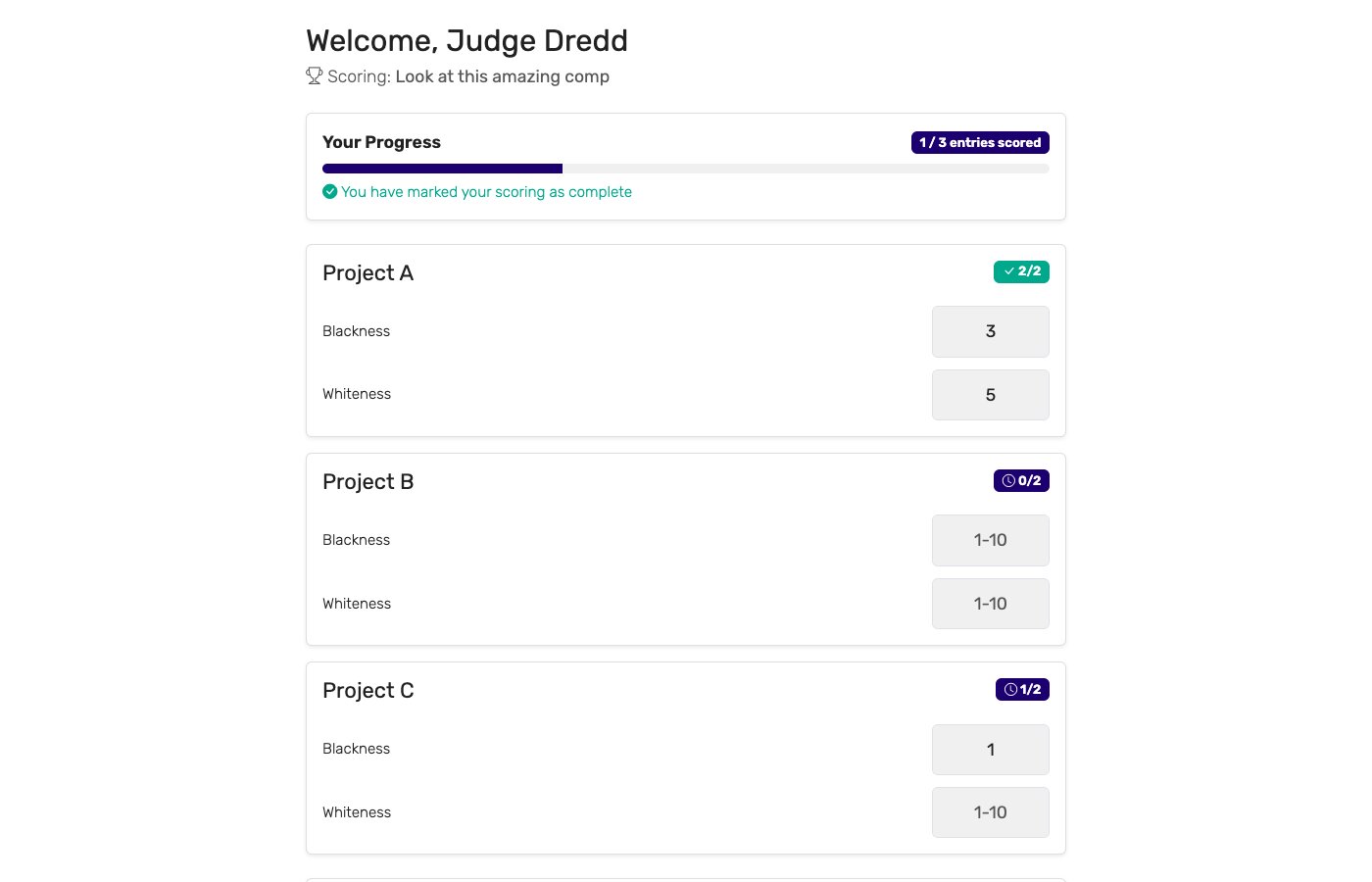
- Send judges their links Each judge gets a private link. They open it on their phone or tablet at the judges' table – no app install, no account needed. They see the current performer and a score input for each criterion.
- Score live during the event Judges enter scores after each performance and hit submit. The leaderboard updates instantly. Optionally, open audience voting so the crowd can vote for their favourite alongside the judges.
- Display the live leaderboard Open the public leaderboard link on the bar's TV or a laptop connected to a screen. The audience follows the rankings in real time – no waiting until the end of the night to find out who won.
Key features for karaoke competitions
Not every judging tool fits the pace and environment of a karaoke night. The features that matter most:
Audience voting
Crowd members open a link on their phone and vote for their favourite singer. The audience vote can combine with judge scores or run as a standalone people's choice award.
Works on any phone
Judges score in a browser – no app to download, no account to create. Works on any smartphone or tablet, old or new, Android or iPhone.
Live public leaderboard
A shareable link that updates in real time. Display it on the bar's TV so the audience follows the rankings as each singer finishes.
Multi-criteria scoring
Score vocals, performance, song choice, and crowd reaction as separate inputs rather than a single number. Give each criterion its own maximum so vocals count more than song choice.
Per-judge breakdown
See how each judge scored every performer. If a result is contested at the end of the night, you can show the full breakdown on the spot.
Free plan for small events
Weekly bar nights and charity karaoke events fit comfortably on the free plan. No per-event fees, no hidden costs. Paid plans unlock more judges, more performers, and audience voting for larger competitions.
Who uses karaoke judging software?
Any venue or organizer running a karaoke competition with more than a handful of singers benefits from digital scoring:
Bars and venues
Weekly karaoke nights with a regular judging panel and a prize for the winner. Digital scoring keeps the competition credible, the leaderboard visible on the bar's TV keeps the crowd invested, and the whole night runs without paper. Regulars come back week after week because the results feel fair.
Corporate events
Company parties and team-building events where karaoke doubles as light entertainment and friendly competition. Organizers can set up a competition in minutes, judges score on their work phones, and the office leaderboard is a conversation starter for the rest of the evening.
Charity events
Fundraising nights where a karaoke competition is part of the programme. Audience voting works especially well here – attendees are already engaged and willing to participate. The live leaderboard adds energy and keeps the room focused on the stage.
Community and school events
Community centers, schools, and clubs running annual karaoke championships or talent nights. Often organized by volunteers who want a simple system that works first time, without any technical setup or printed materials.
Online karaoke contests
Submission-based competitions where performers upload videos and judges review them from home. Each judge gets their own private link, scores at their own pace, and the leaderboard tallies as the panel works through the entries.
Digital scoring vs. paper scorecards
Paper scorecards are still common at karaoke nights. The two approaches compared:
| Capability | Digital scoring | Paper scorecards |
|---|---|---|
| Tally time | ✓ Instant | 15–30 minutes at end of night |
| Live audience leaderboard | ✓ On the venue TV | ✗ Not possible |
| Audience voting | ✓ Via phones, no app | Show of hands or paper ballots |
| Math errors | ✓ None — software handles it | Common under time pressure and noise |
| Disputes at end of night | ✓ Per-judge breakdown on screen | Hard to verify — papers get lost |
| Setup per event | ~10 minutes once; reuse every week | Print, distribute, collect — every time |
| Cost per event | Free plan covers most weekly events | Printing costs + host time to tally |
| Works on judges' own phones | ✓ Any browser, no install | ✗ Not applicable |
Paper works for a casual singalong. For a competition with a prize on the line, the lack of a live leaderboard and the delay before results are known takes energy out of the room at exactly the wrong moment.
Why choose ScoreJudge for karaoke competitions
ScoreJudge is competition judging software built for live events – including karaoke. Set up a panel of judges, add audience voting, and let the crowd follow the leaderboard on the bar's TV. Free plan covers weekly bar nights and small events; paid plans add more judges, more performers, and higher audience vote limits for larger competitions.
What ScoreJudge is used for at karaoke events
Karaoke organizers use ScoreJudge across the full range of formats:
- Weekly bar competitions. Reuse the same competition setup every week. Judges open their link, score the night's performers, and the leaderboard is live on the TV.
- Annual karaoke championships. Run heats and a final as separate competitions, each with their own criteria and judge assignments.
- Charity fundraiser nights. Audience voting alongside judge scores keeps the crowd involved and adds a people's choice dimension to the final result.
- Corporate party karaoke. Quick to set up, runs on company phones without any IT involvement, and the leaderboard on the projector keeps the room engaged.
- Cruise ship and entertainment venues. Recurring competitions with rotating judges. The live leaderboard replaces the host having to remember who sang what.
- Online video contests. Pair with audience voting so viewers can vote on submitted videos while the judge panel scores independently.
Features that matter for karaoke
- Audience voting: Let the crowd vote on their phones alongside the judges. Combine the vote with judge scores or keep it as a separate people's choice award. See audience voting for details.
- No app required: Judges and voters open a link in any mobile browser. No download, no account, no friction.
- Live leaderboard: A shareable presentation link you can display full-screen on any TV or monitor. Updates instantly as judges submit.
- Custom criteria: Score vocals, performance, song choice, and crowd reaction as separate inputs, each out of its own maximum.
- Per-judge breakdown: See the individual scores from each judge so any contested result can be resolved on the spot, not argued about afterwards.
- Free plan: Covers small weekly events end-to-end. Paid plans add more judges, more performers per night, and audience voting for larger competitions.
Free accounts cover most weekly bar nights and small community events. Paid plans add more judges, more performers, and audience voting for charity nights and championship events.
How to choose the right karaoke scoring tool
If you are evaluating options for your competition, weigh these against your event:
- Does it support audience voting? For a bar competition, crowd participation is half the appeal. A tool that only supports judge scoring misses the most engaging part of a karaoke night.
- Do judges need to download an app? Asking a guest judge or a regular at the bar to install an app before the night starts creates unnecessary friction. Browser-based scoring with a link is the right approach.
- Is the leaderboard genuinely live? Some tools require a manual refresh or a host action to reveal results. For a venue TV, you want the leaderboard to update automatically as judges submit – no one should have to touch anything.
- Can you reuse the setup? For weekly events, you want to run the same competition format every week without rebuilding it from scratch. Check whether the tool lets you duplicate or template a competition.
- What happens if a result is disputed? The tool should store the per-judge breakdown and let you show it immediately. If the only record is a pile of papers, you have no way to resolve a challenge on the night.
- What does it cost for weekly use? A tool that charges per event adds up fast for a weekly bar night. Look for a free plan that covers small events or a flat subscription with no per-event fees.
For a broader look at running fair competitions, see how to judge a competition fairly and running competitions with multiple judges. For other performing arts competitions, see judging software for talent shows.
Score your next karaoke competition with ScoreJudge
Set up judges, scoring criteria, and a live leaderboard in about ten minutes. Add audience voting so the crowd can pick their favourite alongside the panel. Free plan covers weekly bar nights end-to-end – no per-event fees, no judge logins.
Frequently asked questions
What is karaoke competition judging software?
Karaoke competition judging software is a tool that lets a panel of judges score singers on shared criteria (vocals, performance, song choice, crowd reaction) from their phones or tablets, and produces a live, transparent ranking. It replaces paper scorecards and back-room tallies with real-time scoring and a leaderboard the bar or venue can display on a screen.
What criteria are used to judge karaoke competitions?
Most karaoke competitions score on three or four criteria: vocals (pitch, tone, range), performance and stage presence (energy, crowd engagement, confidence), song choice (difficulty, originality, crowd appeal), and optionally crowd reaction as a live audience vote. Each criterion is typically scored 1–10, and each criterion can have its own maximum so vocals count more than song choice.
Can the audience vote in a karaoke competition?
Yes. ScoreJudge supports audience voting alongside judge scoring. Audience members open a link on their phone and cast a vote for their favourite performer. The audience vote can combine with judge scores or run as a standalone people's choice award. No app install and no login required for voters.
How do judges score in a karaoke competition with ScoreJudge?
Each judge gets a private link. They open it on their phone or tablet at the judging table, see the current performer and the scoring criteria, and enter a score for each. They hit submit and the next performer appears. The leaderboard updates live as scores come in. No app install, no login, no paper.
How do you keep karaoke judging fair and avoid arguments?
Use clearly defined criteria with a written description for each so all judges score the same things. Score on a wide enough range (1–10, not 1–3) to spread performers apart. Consider dropping the highest and lowest score per performer to reduce bias. ScoreJudge stores the per-judge breakdown so any disputed result can be reviewed on the spot – no arguments at the end of the night. For a deeper look, see how to judge a competition fairly.
Is there a free karaoke scoring app?
Yes. ScoreJudge has a free plan that covers small weekly bar nights and charity karaoke events. There are no per-event fees and judges do not need accounts – they just open a link on their phone.