What is dance competition judging software?
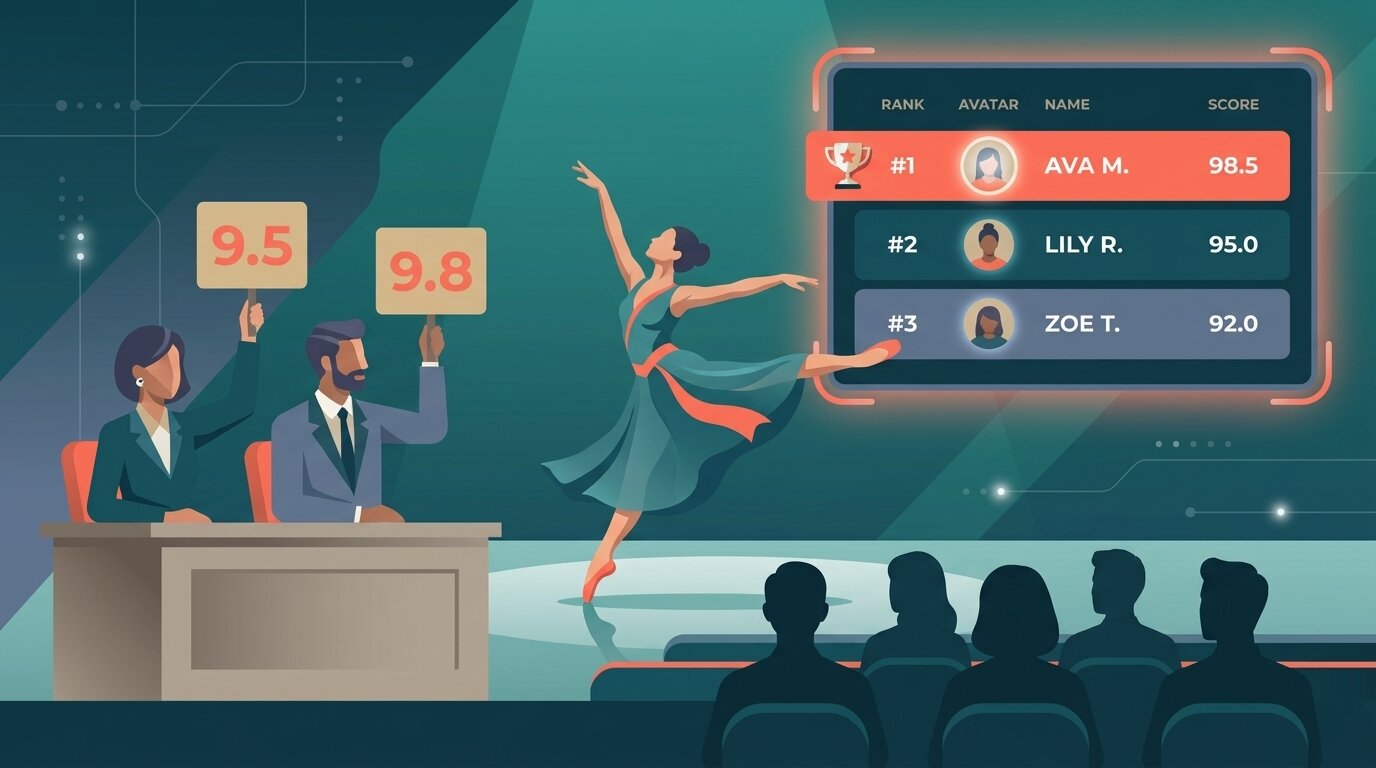
Dance competition judging software is a tool that lets a panel of judges score routines on shared criteria (technique, performance, choreography, costume) from their own devices, and produces a live, transparent ranking. It replaces paper scoresheets and end-of-day spreadsheet tallies with real-time scoring and a leaderboard the audience can follow.
Most dance competitions still run on paper. Judges fill in scoresheets routine by routine, a runner walks the sheets to a back room, someone enters the numbers into Excel, and the results are announced an hour after the last dancer leaves the floor. It works, but it is slow, error-prone, and the audience never sees a live ranking.
Digital scoring fixes all three problems. Judges score on a tablet, the math happens in the background, and the leaderboard updates as each routine finishes. For background on the broader category, see what is judging software.
How it works
Setting up digital scoring for a dance competition takes about as long as printing the scoresheets used to.
- Create the competition Add the routines (or dancers, or studios) and decide how many judges will score them. Five-judge panels are common; ScoreJudge supports any number.
- Set up scoring criteria Add criteria like technique, performance, choreography, and presentation. Give each criterion its own maximum so technique can be worth more points than costume.
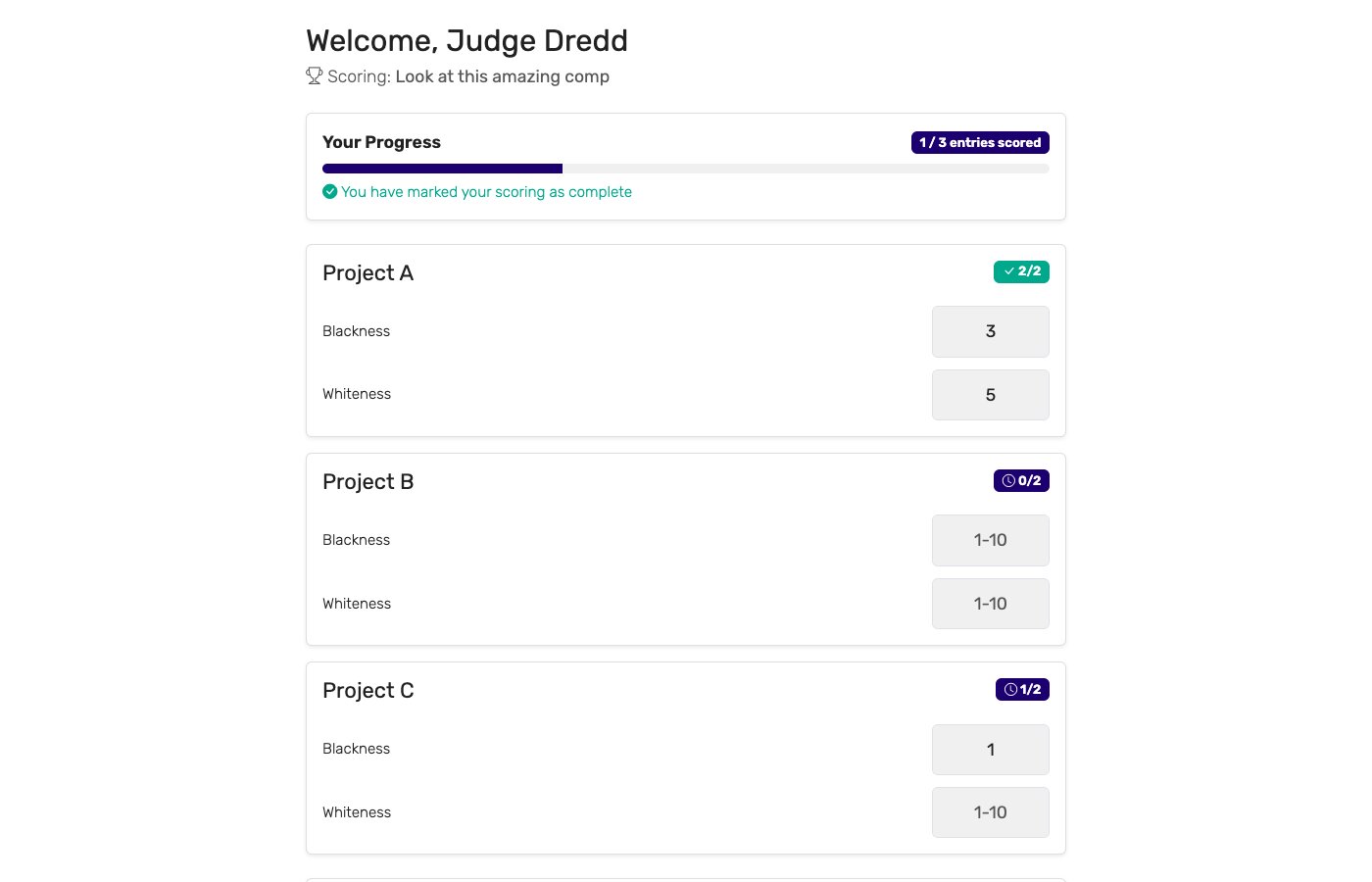
- Send judges their links Each judge gets a private link. They open it on a tablet or phone at the judging table — no app install, no login. They see one routine at a time with score inputs for each criterion.
- Score live during the event Judges score, hit submit, and move on. The leaderboard updates instantly. Optional: drop the highest and lowest score per routine to reduce judge bias.
- Display the live leaderboard Open the public leaderboard URL on a TV, projector, or laptop hooked up to the venue display. Parents and dancers can also open it on their own phones.
Key features to look for
Not every judging tool fits a dance competition. The features that matter most for dance:
Multi-criteria scoring
Judges score multiple criteria per routine, not a single number. Technique, performance, choreography, and presentation as separate inputs.
Per-criterion points
Technique typically matters more than costume. The tool should let each criterion carry its own maximum points so the math reflects your scoring rules.
Drop high/low scores
Standard practice in many federations: drop the highest and lowest judge score per routine to reduce outlier bias.
Tablet-friendly judge interface
Big touch targets, score inputs that work with one thumb, no scrolling. Judges sit at a table for hours and need to score fast.
Live public leaderboard
A URL that updates in real time, displayable full-screen on a venue TV or projector. The audience watches the rankings fill in.
Per-judge breakdown
If a parent contests a placement, you need to show how each judge scored. The tool should keep the per-judge detail and let you export it.
Who uses dance judging software?
Dance scoring tools earn their keep across the full range of dance events:
Dance studios
End-of-term recitals, internal competitions, and friendly inter-class showcases. Studios that previously used printed scoresheets and a spreadsheet save the back-room tally and let parents follow live.
Regional and national dance competitions
Multi-day events with dozens of routines, multiple judging panels, and per-style brackets (jazz, contemporary, hip hop, ballet, tap). Digital scoring scales without paper jams or lost sheets.
Schools and colleges
Dance teams, drill teams, and cheer programs running internal contests, talent shows, or interscholastic events. Often run by volunteer staff who do not have time for end-of-day Excel.
Festivals and theatre groups
Community dance festivals and theatre showcases that need a panel of guest judges (choreographers, alumni, industry pros) who join for one night and would rather score on a tablet than write longhand.
Online and hybrid competitions
Submission-based dance competitions where judges review video entries from home. Each judge gets a link, scores the videos, and the leaderboard tallies as the panel finishes.
Digital scoring vs. paper scoresheets
Most dance competitions still hand judges a clipboard and a stack of scoresheets. The two approaches compared:
| Capability | Digital scoring | Paper scoresheets |
|---|---|---|
| Tally time | ✓ Instant | 30–90 minutes after the last routine |
| Live audience leaderboard | ✓ On the venue screen | ✗ Not possible |
| Math errors | ✓ None — software handles it | Common — tally mistakes happen under time pressure |
| Lost ballots | ✓ Impossible | Happens at every event |
| Drop high/low | ✓ Automatic | Manual recalculation per routine |
| Per-judge breakdown for disputes | ✓ Stored, exportable | Filed in a folder somewhere |
| Setup time | ~10 minutes | Print, sort, distribute — an hour or more |
| Cost per event | Free plan covers small events | Printing + clipboards + back-room scorers |
Paper still works. It just costs the audience the live result, costs the organizer the back-room tally, and costs the judges the time they spend re-checking arithmetic.
Dance competition scoring sheet & criteria
Dance competition scoring comes down to a handful of criteria that every judge scores the same way. A typical scoresheet looks like this — use it as a starting point and adjust the weighting to match your studio or federation rules:
| Criterion | What judges look for | Points |
|---|---|---|
| Technique | Placement, alignment, control, turnout, extension, and clean technical execution. | 0–30 |
| Performance / Execution | Stage presence, energy, confidence, and how well the routine is delivered. | 0–25 |
| Choreography | Originality, structure, use of space, and difficulty of the routine. | 0–20 |
| Musicality / Timing | Synchronization to the music, rhythm, and timing across the group. | 0–15 |
| Presentation / Costume | Grooming, costume, staging, and overall polish. | 0–10 |
Notice the dance competition judging criteria are not weighted equally. Each criterion carries its own maximum, so technique (worth 30) outweighs costume (worth 10). Digital scoring enforces this automatically — give each criterion its own maximum and the software applies the weighting for you, instead of asking judges to do weighted arithmetic on a clipboard.
Selecting dancers rather than placing routines is a different job with a different sheet — one row per skill or quality, scored per candidate. For that, see our tryout and audition score sheets for dance team, cheer and colorguard.
Why choose ScoreJudge for dance competitions
ScoreJudge is competition judging software built for live events — including dance. Set up a multi-judge panel, score routines on technique, performance, and choreography in real time, and let parents follow the leaderboard from their phones. Free plan covers small recitals; paid plans add more judges and routines.
What ScoreJudge is used for
Dance organizers use ScoreJudge for the full range of competition formats:
- Studio recitals and end-of-term competitions. Quick to set up, free plan covers most studio events, no app install for judges.
- Multi-style regional competitions. Separate brackets for jazz, contemporary, hip hop, ballet, and tap with their own criteria and per-criterion points.
- School dance team contests. Drill teams, cheer programs, and dance teams running interscholastic events with a guest judging panel.
- Festival and showcase scoring. Community festivals and theatre showcases where a guest panel scores once and is gone.
- Online video judging. Submission-based competitions where each judge reviews videos from home and scores at their own pace.
- Audience-vote dance contests. Pair judge scores with audience voting for "people's choice" awards alongside the technical winner.
Who uses ScoreJudge for dance
ScoreJudge is used by every level of the dance scoring ecosystem:
- Studio owners and dance teachers running recitals and internal competitions.
- Competition directors at regional and national dance comps with multiple judging panels.
- School dance and cheer coaches running interscholastic and team competitions.
- Festival organizers coordinating guest judging panels for community dance events.
- Choreographers and adjudicators who sit on panels and would rather score on a tablet than fill in paper.
- Theatre and arts educators running dance showcases and student awards.
ScoreJudge features for dance
Every feature a dance competition organizer needs:
- Per-criterion points: technique, performance, choreography, presentation — each scored out of its own maximum, however your federation or studio scores.
- Drop high/low scores: reduce outlier bias automatically per routine.
- Tablet-first judge interface: big touch targets, no scrolling, fast score-and-next workflow.
- Private judge links: no account creation, no app install — judges open a link and score.
- Live public leaderboard: shareable URL, full-screen mode for the venue display.
- Per-judge breakdown: exportable score detail for any disputed placement.
- Free plan: covers studio recitals and small events end-to-end with no per-event fees.
- Audience voting (optional): add a parallel audience voting ballot for a people's-choice award.
Free accounts cover small recitals end-to-end. Paid plans add more judges, more routines, and custom branding for larger competitions.
How to choose the right dance scoring tool
If you are evaluating tools for a dance competition, weigh these against your event:
- How many routines and judges? Free tiers vary. Make sure the plan covers your panel size and the number of routines for the day.
- Does the judge interface work on a tablet? Phones are fine for small panels, but tablets are standard at multi-day events. The interface should be touch-first, not a desktop UI shrunk down.
- Can criteria count for different amounts? If technique counts more than costume, each criterion must be able to carry its own maximum points. Tools with a single flat scale will not match your scoring rules.
- Is the leaderboard truly live? Some tools show a "live" leaderboard that requires manual refresh. For a venue TV display, you want updates without anyone touching anything.
- Per-judge breakdown for disputes? Eventually a parent will ask why their dancer placed third. The tool should let you show the per-judge scoring without digging through a folder.
- What does it cost per event? Some platforms charge hundreds of dollars per event. For a single studio recital, that is a non-starter. Subscription pricing or a real free plan matters.
For a deeper look at running fair competitions, see how to judge a competition fairly and running competitions with multiple judges. For talent shows and performing arts, see judging software for talent shows, or browse the full range of judging software.
Score your next dance competition with ScoreJudge
Set up your judging panel, criteria, and live leaderboard in about ten minutes. Free plan covers studio recitals end-to-end — no per-event fees, no judge logins.
Frequently asked questions
What is dance competition judging software?
Dance competition judging software is a tool that lets multiple judges score routines on shared criteria (technique, performance, choreography, costume) and produces a live, transparent ranking. It replaces paper scoresheets and end-of-day spreadsheet tallies with real-time scoring on judges' phones or tablets and a leaderboard the audience can follow.
What criteria are used to judge dance competitions?
Most dance competitions score on four core criteria: technique (placement, alignment, control, technical execution), performance (presence, expression, energy), choreography (originality, structure, musicality), and presentation (costume, grooming, staging). Each criterion is typically scored 0–10, and each criterion can have its own maximum so technique counts more than costume.
How do digital scoresheets work for dance?
Each judge gets a private link that opens to a scoring interface on their phone or tablet. They see the routine title, the criteria, and a score input for each. They submit, and the next routine appears. The software sums or averages the judges' scores and updates the leaderboard live. No paper, no end-of-night tally, no judge has to walk a sheet to the scoring table.
Can the audience see live scores at a dance competition?
Yes. ScoreJudge provides a public leaderboard URL that organizers can display on a TV or projector at the venue. As judges submit, the leaderboard updates instantly. Parents and friends can also open the link on their phones to follow along, with no login required.
How do you keep scoring fair across multiple judges?
Use clearly-defined criteria so judges score the same things, train the panel briefly before the event, score on a wide enough range (0–10 not 1–3) to spread routines apart, and consider dropping the highest and lowest score per routine to reduce judge bias. ScoreJudge supports all of these patterns and shows the per-judge breakdown so any contested score can be reviewed. For a deeper look, see how to judge a competition fairly.
Is there a free dance competition scoring tool?
Yes. ScoreJudge has a free plan that covers small studio recitals and end-of-term competitions. There are no per-event fees and no judge account requirements — judges just open a link.