What is a costume contest judging sheet?
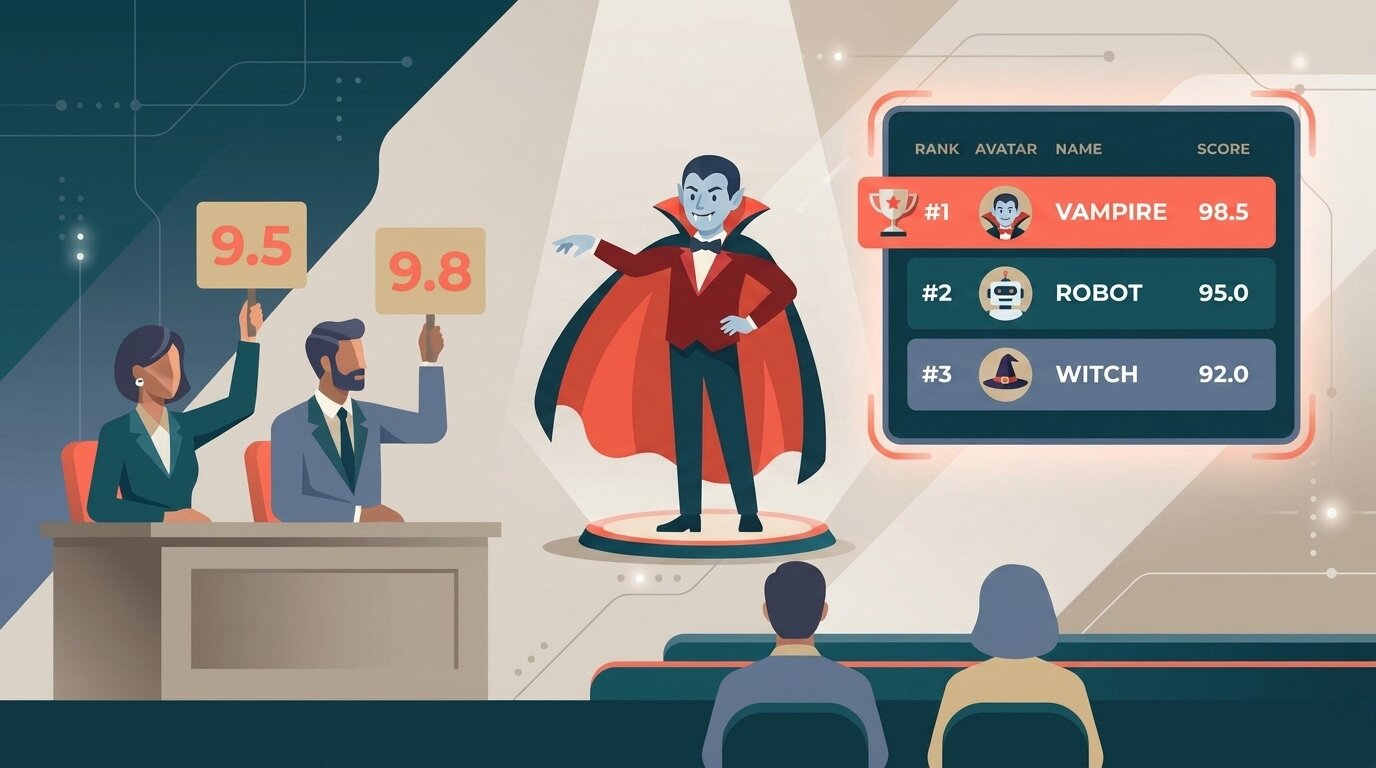
A costume contest judging sheet is the scoresheet a judge uses to rate each costume on shared criteria — creativity, craftsmanship, presentation, accuracy to the theme, and overall impact. A digital judging sheet replaces the paper ballot: judges score on their phone, the totals calculate automatically, and the winners are ready the moment the last costume is scored.
Most costume contests still run on paper — or worse, on a show of hands. A host holds up a clipboard, guesses at who got the loudest cheer, and half the room feels the winner was picked on vibes. When there is a judging sheet, it's a printed grid that someone tallies by hand while everyone stands around in wigs and face paint waiting for the announcement.
A digital judging sheet fixes that. Judges score on a phone, the math happens in the background, and a live leaderboard updates as each costume is scored — and you can run a crowd vote in parallel so the audience gets a say too. For background on the broader category, see what is judging software, and for the hub of tools see judging software.
Costume contest judging criteria & printable sheets
There's no single standard — every party, con, and classroom sets its own categories — but most costume contest judging sheets score on the same core areas. Here are two free sheets: print the one that fits your contest, or open it in ScoreJudge and let the phones do the adding up.
Costume contest judging sheet
 Provided by ScoreJudge.com
Five categories, each scored 0–20, 100 points per judge. Use it for Halloween parties, cosplay contests and anywhere the costumes are built with care and the judging should show it.
| Category | What judges look for | Points | Score |
|---|---|---|---|
| Creativity & originality | Fresh idea, clever concept, a costume you haven't seen a hundred times | 0–20 | |
| Craftsmanship & construction | Build quality, materials, sewing and props, effort and detail up close | 0–20 | |
| Presentation & showmanship | How it's worn: posing, staying in character, walk, stage presence | 0–20 | |
| Accuracy / likeness | Faithfulness to the character, theme, or era the costume represents | 0–20 | |
| Overall impact | The whole package: wow factor, cohesion, first impression | 0–20 | |
| Total | / 100 | ||
Quick costume contest sheet
Provided by ScoreJudge.com
Four categories, each scored 1–5, 20 points per judge. For kids' parades, classrooms and office parties, where a judge has a minute per costume and the sheet should not slow anyone down. Before you start, tell the judges whether the third row is scariest or funniest.
| Category | What judges look for | Points | Score |
|---|---|---|---|
| Creativity | An original idea or a clever twist on a classic | 1–5 | |
| Effort & detail | Homemade touches, props, makeup, finishing | 1–5 | |
| Scariest or funniest | Pick the one that fits your party, and say which before judging starts | 1–5 | |
| Stage presence | Walks the line with confidence, stays in character | 1–5 | |
| Total | / 20 | ||
What the results look like in ScoreJudge
The same sheet, scored on phones by 3 judges, with the entries split into categories. Nobody adds anything up: each category's ranking and every criterion's points are there the moment the last score is in.
Costume Contest
All judges have submitted their scores
Adults 3
Kids 3
Hide score breakdown
Adults
| Entry | Creativity & originality | Craftsmanship & construction | Presentation & showmanship | Accuracy / likeness | Overall impact | Total |
|---|---|---|---|---|---|---|
| Maya · Plague doctor | 55 | 57 | 52 | 54 | 56 | 274 |
| Jonas & Lea · Ship in a bottle | 58 | 49 | 54 | 50 | 53 | 264 |
| Tom · Inflatable T-rex | 51 | 38 | 56 | 40 | 52 | 237 |
Kids
| Entry | Creativity & originality | Craftsmanship & construction | Presentation & showmanship | Accuracy / likeness | Overall impact | Total |
|---|---|---|---|---|---|---|
| Ella · Victorian ghost | 47 | 53 | 46 | 55 | 49 | 250 |
| Noah · Tiny astronaut | 52 | 47 | 50 | 44 | 48 | 241 |
| Sofia · Cardboard robot | 49 | 44 | 41 | 39 | 45 | 218 |
Example with made-up entries. Every score is 3 judges' points added up.
In ScoreJudge you set these categories up once as scoring criteria, give each its own maximum points, and every judge sees the same sheet. Adjust the mix per category — add "scariest" for a Halloween costume contest, "funniest" for an office party, or lean craftsmanship harder for a cosplay masquerade where the build is the whole point. A hand-sewn con costume and a clever last-minute office outfit shouldn't be measured on the same sheet, and per-criterion points let the math reflect that.
How it works
Setting up digital scoring for a costume contest takes about as long as it used to take to print and hand out the paper ballots.
- Create the contest and add the entries Add the entrants (or entry numbers, or categories) and decide how many judges will score them. Run separate contests per category — kids, adults, group, scariest — or score everything on one leaderboard.
- Build your judging sheet Add criteria like creativity, craftsmanship, presentation, accuracy, and impact, and give each its own maximum points. This is your digital scoresheet, and every judge scores against the same one.
- Send judges their links Each judge gets a private link. They open it on a phone as the costumes come up — no app install, no login. They see one entry at a time with a score input for each category.
- Score live during the contest Judges score, hit submit, and move to the next costume. The leaderboard updates instantly. Optional: drop the highest and lowest score per entry to cancel out an outlier judge.
- Display the live leaderboard Put the public leaderboard URL on a TV, projector, or laptop at the venue. Guests can also open it on their own phones and watch the standings shape up.
Key features to look for
Not every judging tool fits a costume contest. The features that matter most on the night:
Multi-criteria scoring
Judges score creativity, craftsmanship, presentation, and accuracy as separate inputs per costume — not one number that hides how the score was built.
Per-criterion points
At a cosplay masquerade craftsmanship counts more than showmanship; at an office party it's the reverse. Each category should carry its own maximum.
Drop high/low scores
Cancel out one judge who scores a friend's costume too generously by dropping the highest and lowest score per entry automatically.
Phone-friendly judging
Judges score in a dim, crowded room, so it has to work one-thumbed on a phone — big touch targets, no fiddly desktop UI.
Live public leaderboard
A URL that updates in real time on a venue screen or guests' phones, so nobody stands around wondering who won.
People's choice voting
Run a parallel audience vote so the whole room picks a People's Choice award alongside the judged winners.
Who uses costume contest judging software?
Digital scoring earns its keep across every kind of costume event:
Halloween party hosts
The classic use case. Instead of a rowdy "clap for your favorite", judges score costumes on their phones and the crowd casts a people's-choice vote — so the scariest, funniest, and best-overall awards all feel earned. The free plan covers most house and neighborhood parties end-to-end.
Offices & HR teams
Workplace Halloween and theme-day contests where HR wants a fair, defensible result rather than a popularity contest. Judges score on set criteria, and an audience vote lets the whole floor take part without anyone feeling the fix was in.
Schools & libraries
Classroom and library costume parades with a few teacher-judges scoring dozens of kids. Separate categories by grade or age group, keep the criteria simple, and get to the trophies fast before attention spans run out.
Bars, clubs & venues
Halloween nights and theme events where the prize is real money and the crowd is loud. A live leaderboard on the venue screen plus a phone-based crowd vote turns the contest into part of the show.
Comic-cons & cosplay masquerades
Detailed judging with heavy weighting on craftsmanship and accuracy. Per-criterion points and a stored per-judge breakdown handle the scrutiny a serious cosplay contest attracts, and the audience vote crowns a crowd favorite.
Community & charity events
Fall festivals, town Halloween nights, and fundraiser parties run by volunteers who don't have time to reconcile paper ballots. Judges score on their phones, and a people's-choice ballot lets every attendee join in.
Digital scoring vs. paper costume ballots
Most costume contests still hand judges a printed ballot or just run a clap-o-meter. The two approaches compared:
| Capability | Digital scoring | Paper ballots / show of hands |
|---|---|---|
| Tally time | ✓ Instant | Everyone waits while someone counts by hand |
| Live standings for the crowd | ✓ On a screen or their phones | ✗ Not possible |
| Math errors | ✓ None — software totals it | Common — hand-tally mistakes under pressure |
| Feels fair, not a popularity vote | ✓ Set criteria, per-judge scores | Loudest cheer usually wins |
| Drop high/low | ✓ Automatic | Manual recalculation per entry |
| People's choice vote | ✓ Built in, from any phone | A jar of paper slips to count by hand |
| Per-judge breakdown for disputes | ✓ Stored, exportable | Lost in a stack of ballots |
| Cost per event | Free plan covers small parties | Printing + clipboards + a vote counter |
Paper still works. It just costs the crowd the live result, costs the host the counting time, and costs the winners the sense that they actually earned it instead of shouting the loudest.
Why choose ScoreJudge for costume contests
ScoreJudge is competition judging software built for live events — including costume contests. Set up your judging sheet, score every costume on creativity, craftsmanship, and presentation in real time, run a people's-choice crowd vote alongside, and let guests follow the leaderboard from their phones. Free plan covers small parties; paid plans add more judges, categories, and custom branding.
What ScoreJudge is used for
Costume contest organizers use ScoreJudge across the full range of formats:
- Halloween parties. Quick to set up, free plan covers most parties, no app install for judges, and a crowd vote for the people's choice.
- Office and workplace contests. Fair, defensible scoring on set criteria so HR isn't stuck defending a "who cheered loudest" result.
- School and library costume parades. Separate categories by grade or age with simple criteria and a fast result.
- Cosplay masquerades and cons. Heavy weighting on craftsmanship and accuracy with a full per-judge audit trail.
- Crowd "people's choice" awards. Pair the judges' panel with audience voting for a room-picked winner.
Who uses ScoreJudge for costume contests
- Party hosts and event organizers running Halloween and theme-party contests.
- Office managers and HR teams putting on workplace costume days that need to feel fair.
- Teachers and librarians judging classroom and library costume parades.
- Bar and venue promoters running Halloween nights with cash prizes and a loud crowd.
- Con organizers and cosplay judges who'd rather score on a phone than fill in paper ballots.
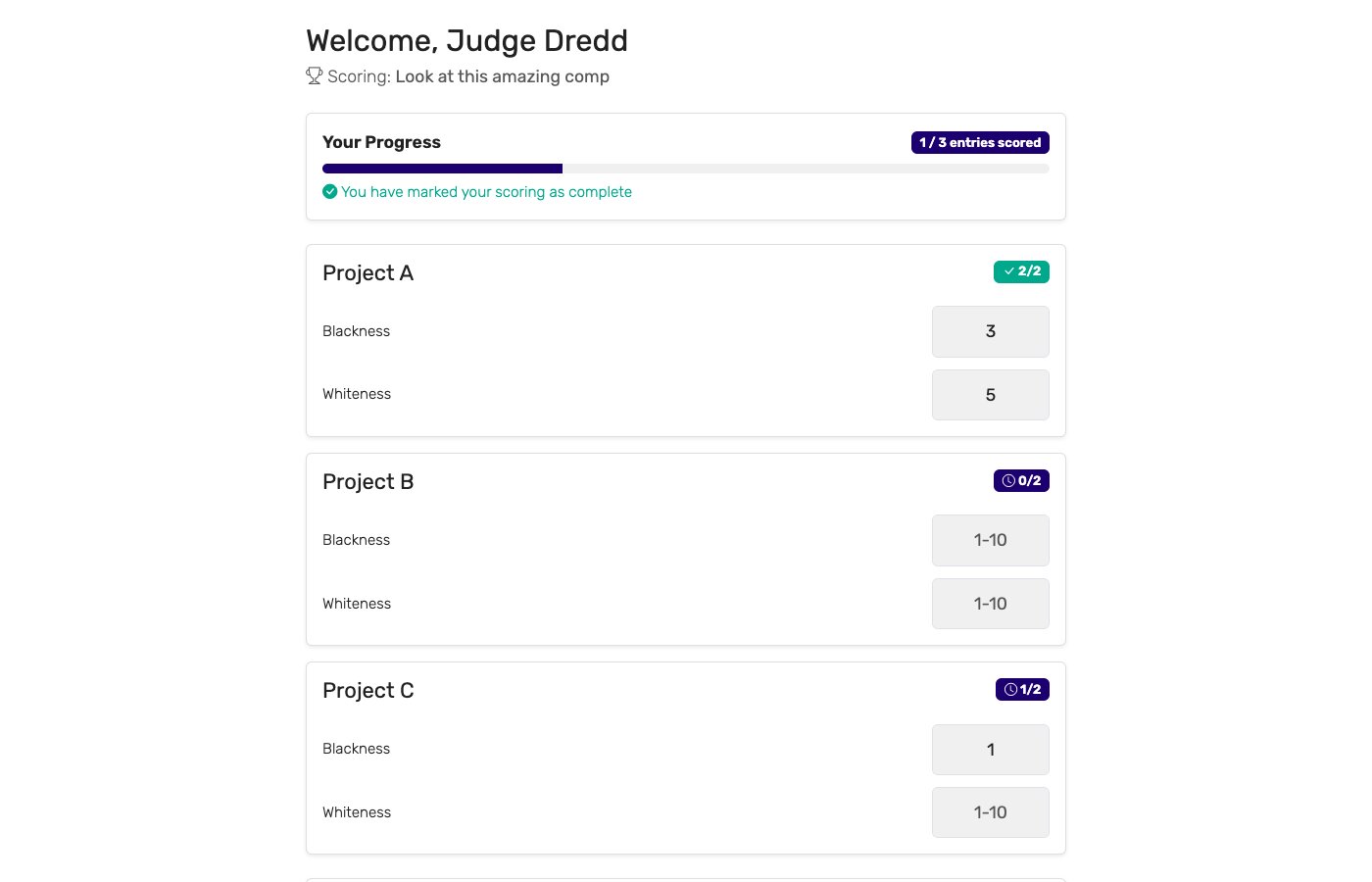
Free accounts cover small parties and classroom contests end-to-end. Paid plans add more judges, more entries, and custom branding for larger events.
How to choose the right costume contest scoring tool
If you're evaluating tools for a costume contest, weigh these against your event:
- How many entrants and judges? Free tiers vary. Make sure the plan covers your entry count and the size of your judging panel.
- Does judging work on a phone? Judges score in a dim, crowded room, not at a desk. The interface has to be touch-first and readable in low light.
- Can categories count for different amounts? If craftsmanship counts more than showmanship, each category must carry its own maximum. A single flat scale won't match your rules.
- Can the crowd vote too? Costume contests almost always want a people's choice. A built-in audience vote saves you a jar of paper slips and gets every guest involved.
- Is the leaderboard truly live? For a venue-screen display you want updates without anyone refreshing anything.
- What does it cost per event? Some platforms charge per event. For a one-night Halloween party that's a non-starter — a real free plan or a subscription matters.
For a deeper look at running fair contests, see how to judge a competition fairly and running competitions with multiple judges. To add a crowd-picked award, see audience voting.
Score your next costume contest with ScoreJudge
Set up your judging sheet, categories, and live leaderboard in about ten minutes. Free plan covers parties end-to-end — no per-event fees, no judge logins, no paper ballots.
Frequently asked questions
What is a costume contest judging sheet?
A costume contest judging sheet is the scoresheet a judge uses to rate each costume on a set of criteria — typically creativity and originality, craftsmanship and construction, presentation and showmanship, accuracy to the theme or character, and overall impact. Each category is scored out of a maximum, and the totals decide the winners. A digital sheet replaces the paper ballot: judges score on their phone, the math is automatic, and the results are instant.
Is there a free printable costume contest judging sheet?
Yes. This page has two free printable sheets: a full one with five categories scored 0–20 (100 points) for Halloween parties and cosplay contests, and a quick one with four categories scored 1–5 for kids, classrooms and offices. Each prints on its own page with lines for the entry number, judge and notes. The same sheet can also be opened in ScoreJudge, so judges score on their phones and the totals add up automatically.
What criteria are used to judge a costume contest?
Most costume contests score on five core categories: creativity and originality, craftsmanship and construction, presentation and showmanship, accuracy or likeness to the theme or character, and overall impact. Each category is usually scored 0–10 or 0–20, and each can carry its own maximum so a hand-built cosplay isn't judged the same as an off-the-rack outfit. Add category-specific criteria — "scariest" for Halloween, "funniest" for an office party — as needed.
Is there a free app for scoring a Halloween costume contest?
Yes. ScoreJudge has a free plan that covers small parties, office contests, and classroom events end-to-end. Judges score from their phones with no app install and no accounts, the leaderboard updates live, and there are no per-event fees. Larger events with more judges and entrants can upgrade to a paid plan.
How do you run people's choice voting at a costume contest?
Alongside the judges' panel, open an audience-voting ballot so every guest can vote for their favorite costume from their phone. ScoreJudge tallies the crowd vote in parallel with the judged results, so you can hand out both a Best in Show (judged) and a People's Choice (audience) award at the same event.
How do you judge a costume contest fairly?
Use clearly-defined categories so every judge scores the same things, brief the panel before the contest starts, score on a wide enough range (0–10, not 1–3) to separate similar costumes, and consider dropping the highest and lowest judge score per entry to cancel out an outlier. ScoreJudge supports all of these and keeps the per-judge breakdown so any contested placement can be reviewed on the spot. For a deeper look, see how to judge a competition fairly.
Can I display live costume contest results on a screen?
Yes. ScoreJudge provides a public leaderboard URL you can put on a TV, projector, or laptop at the venue. As judges submit scores, the standings update instantly, and guests can open the same link on their phones to follow along — no login required.