What is pageant judging software?
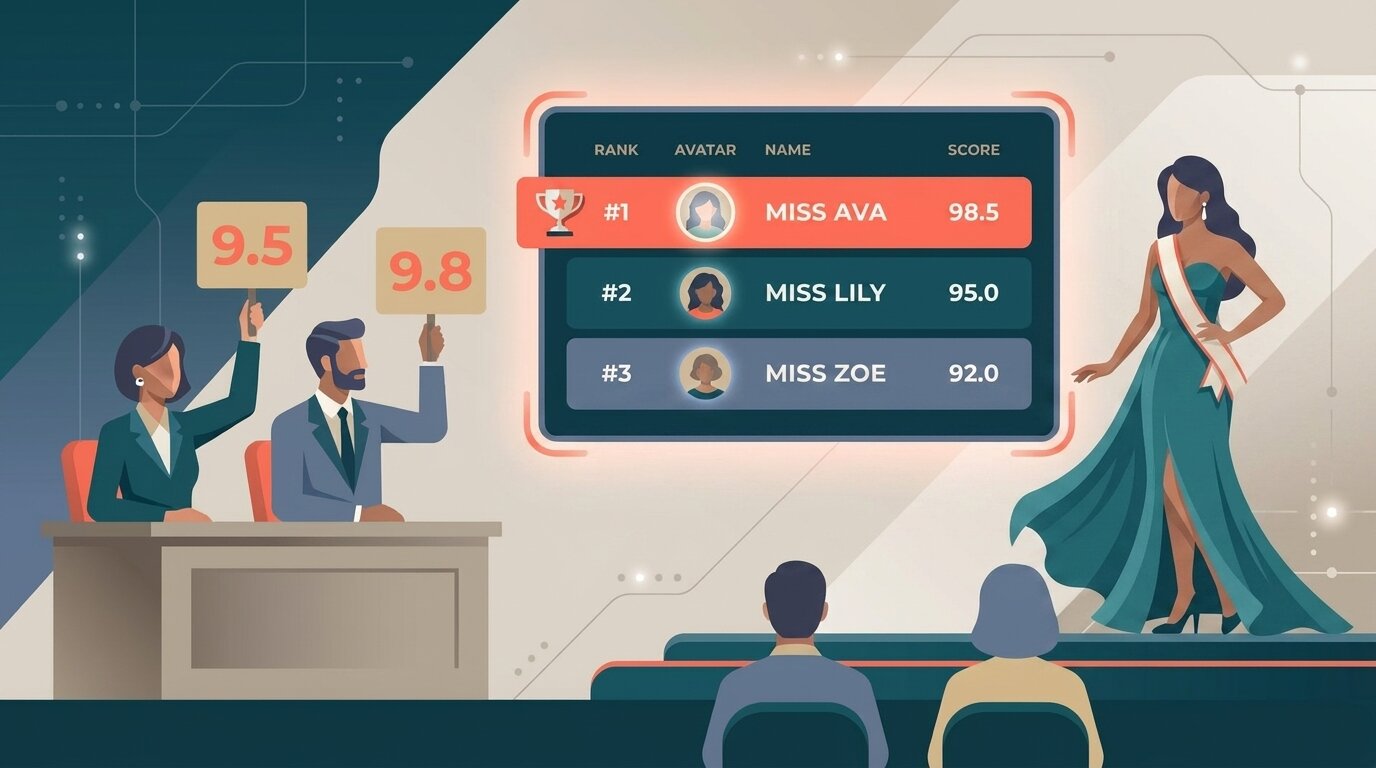
Pageant judging software is a tool that lets a panel of judges score contestants on the categories that matter – interview, talent, evening wear, on-stage question – from their own devices, and produces a live, transparent ranking. It replaces paper scoresheets and end-of-night spreadsheet tallies with real-time scoring and a leaderboard the audience can follow.
Most pageants still run on paper. Judges fill in scoresheets for each contestant, a volunteer collects them between segments, someone tallies the numbers backstage, and the final results are announced after a tense wait. It works, but it is slow, error-prone, and the audience and contestants are left in the dark until the very end.
Digital scoring changes all of that. Judges score on their phones, the point totals calculate automatically across every category, and a live leaderboard updates as scoring progresses. For a broader overview of the category, see what is judging software.
How it works
Setting up digital scoring for a pageant takes about as long as printing scoresheets used to – and it covers every category from interview through crowning.
- Create the competition and add contestants Enter your contestants (or import a list). Set how many judges will score the event. ScoreJudge supports panels of any size.
- Set up your scoring categories Add each category – interview, talent, evening wear, on-stage question, poise, confidence – and give it its own maximum points. Want talent to count for more? Score it out of 40 while interview and evening wear are each out of 30. Add as many categories as your system uses.
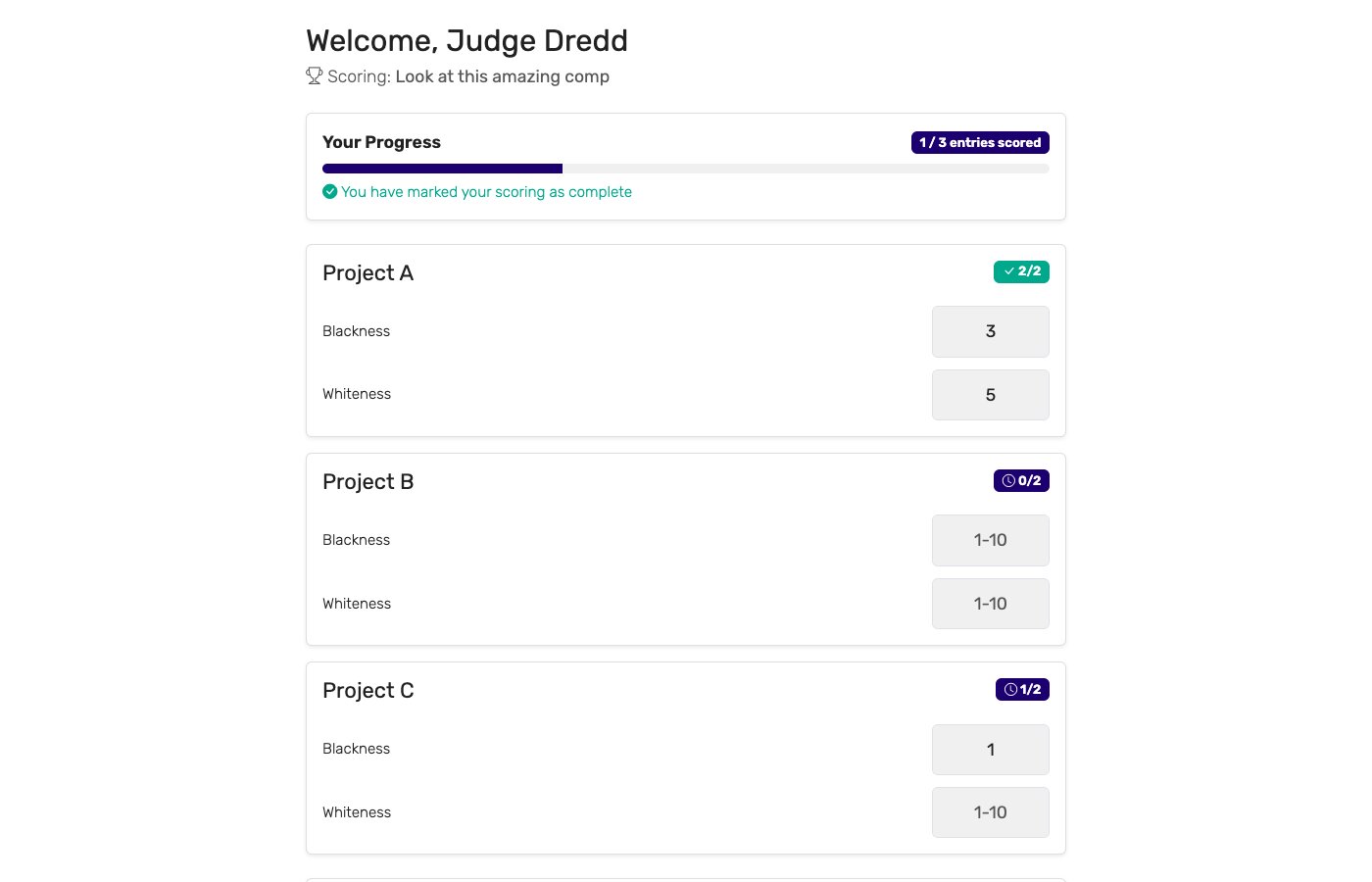
- Send judges their private links Each judge gets a unique secure link. They open it on their phone or tablet at the judging table – no app to install, no account to create. They see one contestant at a time with score inputs for each category.
- Score live as the pageant runs Judges score privately. They cannot see other judges' scores, which prevents conferring and bias. The organizer can see in real time who has submitted and who has not.
- Display the live leaderboard Open the public leaderboard URL on a TV or projection screen at the venue. As judges submit, the point totals update and the ranking reflects every score in real time. Contestants, families, and the audience can also follow on their own phones.
Key features for pageant scoring
Pageants have requirements that simpler judging tools cannot handle. These are the features that matter most:
Score every category that matters
Interview, talent, evening wear, and on-stage question each become a scoring category. Judges rate every contestant on all of them from one screen.
Per-category maximum points
Give each category its own ceiling so talent (out of 40) counts for more than interview (out of 30). ScoreJudge sums the points into a final total automatically.
Private judge links
Each judge scores in isolation on their own secure link. They cannot see other judges' scores during the competition, preventing conferring and anchoring bias.
Live leaderboard
A public URL updates in real time as scores come in. Project it on the venue screen or let the audience follow on their phones – no login required to view.
Per-judge audit trail
Every judge's score for every category is stored. If a placement is disputed, the organizer can pull the full per-judge breakdown and show exactly how the result was reached.
Works at any venue
Judges use their own phones. No special hardware, no venue Wi-Fi requirements beyond a standard connection. Works at hotel ballrooms, school auditoriums, and community halls.
Who uses pageant judging software?
Digital scoring works across the full range of pageant formats and organizer types:
Local and community pageants
Miss City, Miss County, and local titleholder programs run by volunteer committees. These events often have three to five judges and a dozen to thirty contestants. Digital scoring removes the back-room tally and gives the audience something to watch between segments.
School and university pageants
Homecoming queen, prom court, Miss University, and student government pageants run by student organizations or advisors. Usually small panels, tight schedules, and coordinators who are not professional event producers. Easy setup and no judge training required matters here.
Charity and fundraiser pageants
Pageants run to raise money for schools, hospitals, or community causes. Charity events often combine judge scoring with audience voting so sponsors and supporters can participate alongside the panel. Professional-looking results add credibility to the event.
Regional and national systems
State-level and national pageant systems with prelim competitions feeding into a finals event. These events have larger panels, more contestants, and multiple days of competition. Digital scoring scales without adding back-room staff or printing costs at each level.
Corporate and brand ambassador pageants
Brand ambassador searches, spokesperson competitions, and corporate spokesperson pageants run by companies or marketing agencies. These events need a professional, auditable process that can be defended to sponsors and brand stakeholders. A full per-judge audit trail is essential.
Digital scoring vs. paper scoresheets
Paper scoresheets have run pageants for decades. The comparison:
| Capability | Digital scoring | Paper scoresheets |
|---|---|---|
| Tally time at the end | ✓ Instant | 15–45 minutes of back-room math |
| Live audience leaderboard | ✓ On the venue screen | ✗ Not possible |
| Per-category point totals | ✓ Automatic | Manual recalculation, error-prone |
| Math errors | ✓ None — software handles it | Common under time pressure |
| Lost ballots | ✓ Impossible | Happens at live events |
| Judge isolation (blind scoring) | ✓ Private links, no score sharing | Judges may confer or see others' sheets |
| Per-judge breakdown for disputes | ✓ Stored and exportable | Filed in a folder, rarely retrievable |
| Setup time | ~10–15 minutes | Print, sort, and distribute — an hour or more |
| Cost per event | Free plan covers small pageants | Printing + volunteer scorers + time |
Paper still works. It just costs the audience a live result, costs the organizer a back-room tally crew, and produces a scoresheet that nobody can read if a result is challenged three weeks later.
Pageant score sheet & judging criteria
Every pageant system scores a slightly different mix of categories, but most build the score sheet around the same core areas. Here is a sample score sheet showing typical pageant categories, what judges look for in each, and a points column. Each category can carry its own maximum, so the segments that matter most weigh more in the final total.
| Category | What judges look for | Points |
|---|---|---|
| Evening gown / Presentation | Poise on stage, grace of walk, fit and styling, overall stage presence | 0–30 |
| Interview | Communication, personality, confidence, and depth of answers | 0–40 |
| Talent | Skill, difficulty, stage command, and audience engagement | 0–40 |
| Swimwear / Fitnesswear | Fitness, confidence, healthy presentation, and stage carriage | 0–20 |
| On-stage question | Clarity of thought, articulation, and composure under pressure | 0–30 |
| Overall poise | Deportment, grace, and consistency across every segment | 0–20 |
The points shown here are only an example – each category can carry its own maximum, so you can make talent count for more than swimwear, or drop a segment entirely. Set the maximum for each category when you create the competition and ScoreJudge sums every judge's scores into a live total automatically.
Why choose ScoreJudge for pageants
ScoreJudge is competition judging software built for multi-criteria live events – the format pageants require. Organizers set up scoring categories with their own point maximums, judges score privately on their phones, and the live leaderboard projects on the venue screen without anyone running a spreadsheet backstage.
What ScoreJudge is used for
Pageant directors use ScoreJudge across the full range of formats:
- Full-format pageants. Interview, talent, evening wear, swimwear, and on-stage question – each scored as its own category with its own maximum points.
- Junior and teen pageants. Age-division competitions with smaller panels and family audiences who want to follow the results in real time.
- Charity pageants with audience voting. Pair judge scoring with audience voting for a people's-choice award alongside the titleholder result.
- Prelim and qualifying events. Score a local prelim, export the results, and carry the top scorers forward to the next level.
- Corporate and brand ambassador searches. Structured scoring with a full audit trail for brand stakeholders and sponsor reporting.
- Online and hybrid pageants. Judges review video submissions from home, score at their own pace, and the leaderboard tallies as the panel finishes.
ScoreJudge features for pageants
Every feature a pageant director needs:
- Score every pageant category: interview, talent, evening wear, on-stage question – add as many scoring categories as your system uses.
- Per-category maximum points: score talent out of 40 and interview out of 30 so the categories that matter weigh more – or any split your system uses.
- Private judge links: no accounts, no app install – judges open a link and score on their phone.
- Organizer dashboard: see in real time which judges have scored which contestants, chase up anyone who has not submitted.
- Live public leaderboard: shareable URL with full-screen mode for the venue display.
- Per-judge audit trail: exportable score detail for any disputed placement.
- Free plan: covers local and community pageants end-to-end with no per-event fees.
- Audience voting (optional): add a parallel audience vote for a people's-choice or fan-favourite title.
Free accounts cover small local pageants end-to-end. Paid plans add larger contestant lists, more judges, and custom branding for regional and national events.
How to choose the right pageant scoring tool
If you are evaluating tools for a pageant, these are the questions worth asking:
- Can you score several categories at once? A real pageant evaluates interview, talent, evening wear, and more. A tool that only handles a single criterion cannot capture a full pageant.
- Can categories count for different amounts? If talent should outweigh interview, the tool must let each category carry its own maximum points. Equal-only scoring will not match your system's rules.
- Are judge scores kept private during judging? Judges should score without seeing each other's inputs. Conferring and anchoring bias undermine the fairness of the result.
- How many judges and contestants does the plan cover? Free tiers vary widely. Confirm the plan fits your panel size and contestant count before the event.
- Is the leaderboard truly live? Some tools require manual refresh. For a venue screen display, you want updates without anyone touching anything.
- Can you produce a per-judge breakdown? Titles get contested. You need to be able to show exactly how every judge scored every category, not just the final totals.
- What does it cost per event? Some platforms charge per event or per contestant. For a community pageant run on a volunteer budget, subscription pricing or a real free plan matters.
For guidance on running a fair judging process, see how to judge a competition fairly. For other performing arts events, see judging software for talent shows, or browse the full range of judging software.
Score your next pageant with ScoreJudge
Set up your categories, judge panel, and live leaderboard in about fifteen minutes. Free plan covers local and community pageants end-to-end – no per-event fees, no judge logins.
Frequently asked questions
What is pageant judging software?
Pageant judging software is a tool that lets a panel of judges score contestants on the categories that matter – interview, talent, evening wear, on-stage question – from their own phones or tablets, and produces a live, transparent ranking. It replaces paper scoresheets and end-of-night spreadsheet tallies with real-time scoring and a leaderboard the audience can follow.
What criteria are used to judge a pageant?
Common pageant judging criteria include overall appearance or beauty, poise and personality, interview performance, talent, evening wear or formal wear presentation, on-stage question or speech, and community involvement or platform. Criteria vary by pageant system, and most pageants make some categories count for more than others – for example, talent might be scored out of 40 points while interview and evening wear are each out of 30.
How do you make some categories count for more than others?
ScoreJudge lets you give each scoring category its own maximum points. If talent should count for more than interview, score talent out of 40 and interview out of 30. Every judge scores each contestant on every category, and the software sums the points into a live total automatically – no percentages, no manual math.
How do you keep judging blind so judges do not influence each other?
Each judge receives a private, unique link and scores on their own device without seeing what other judges have entered. The leaderboard visible to the audience shows running totals only – not individual judge scores. After the event, the organizer can view the full per-judge breakdown for any contested placement.
Can the audience see live results during a pageant?
Yes. ScoreJudge provides a public leaderboard URL that organizers can display on a TV or projection screen at the venue. The leaderboard updates in real time as judges submit scores. Audience members can also open the link on their own phones without creating an account.
Is there a free option for pageant scoring?
ScoreJudge has a free plan that covers small local pageants end-to-end, with no per-event fees and no judge account requirements – judges simply open their private link and score. Paid plans add support for larger contestant lists, more judges, and custom branding for regional and national events.