You're researching Slido for an upcoming event, you've opened the pricing page, and the annual-only Professional plan was bigger than you expected. Or your event isn't really a town hall — you have contestants, not survey respondents — and the polls-and-Q&A shape of Slido doesn't quite fit. Or you've used Slido at work and you're now looking for a tool to run the school talent show with, and a corporate Q&A platform feels like overkill. Whichever brought you here, the audience-engagement market has more options than it did a few years ago, and they sit at very different price points and event shapes.
What Slido Actually Is
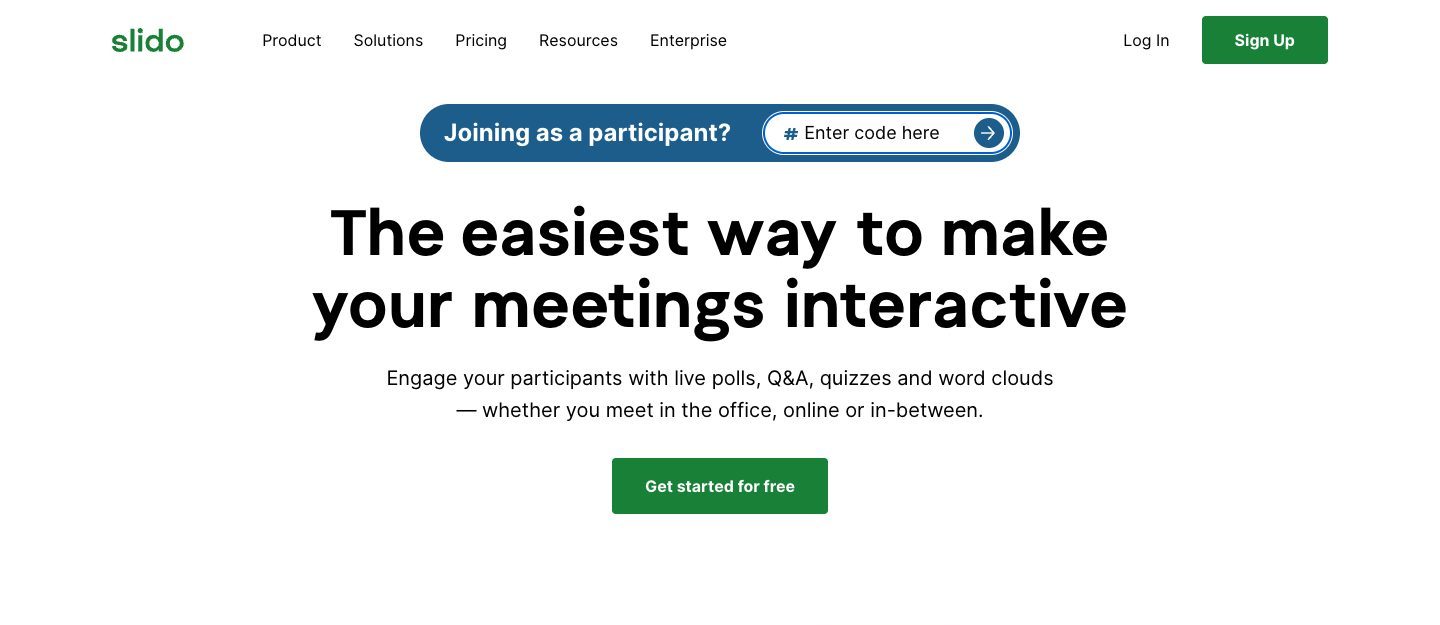
Slido is a Slovak audience-engagement platform founded in 2012, acquired by Cisco in 2021, and now part of Webex. It's the corporate-events default — moderated Q&A, multiple-choice, rating, ranking, and open-text polls, word clouds, quizzes with a leaderboard, surveys, an Ideas board for brainstorming, and AI-generated poll suggestions, integrated with Webex, Zoom, Microsoft Teams, PowerPoint, and Google Slides. For a conference, an internal town hall, a training session, or any meeting where the audience needs to ask questions and respond to polls, Slido is polished, well-supported, and reliably enterprise-grade.
The free Basic plan is real — up to 100 participants per slido, basic Q&A, 3 polls and 1 quiz — but the poll limit means most productive use lands on a paid plan. Paid plans are billed annually (there is no monthly option) or bought as a one-time plan for a single event of up to 7 days. Annual plans start at around $17.50/month for Engage (200 participants), $75/month for Professional (1,000 participants, Q&A moderation, branding), and $200/month for Enterprise (5,000 participants, SSO). Each plan includes a fixed number of members, and extra members cost more, which suits the conference and enterprise market it serves.
When Slido makes sense: a multi-day conference with audience Q&A during keynotes, a quarterly town hall where employees vote on options, a classroom or training with multiple-choice quizzes, or any event where polished Webex/Zoom integration and enterprise-grade reliability matter. If that describes the event you're running, Slido is a deliberate, mature choice — and the per-host pricing is normal for the corporate-events market.
When Slido doesn't fit: a talent show, a hackathon final, a cook-off, an awards night, or any event where you need to score entries against criteria instead of asking the audience one question with multiple options. Slido's polls ask one question at a time: a rating poll rates one thing, a ranking poll orders a list. It isn't built around multiple entries scored on multiple criteria. You can run a "Which dish was best?" poll, or one rating poll per dish per criterion, but nothing combines them into a per-entry leaderboard or a structured export — which are the things you actually want when scoring entries.
The Real Question Before You Pick a Tool
Before comparing alternatives, ask: is your event built around polling (ask one question, audience picks from options, repeat) or around scoring (a list of contestants, voted on against criteria, with a leaderboard at the end)? Slido and its closest competitors — Poll Everywhere, Mentimeter, AhaSlides — are polling-first. ScoreJudge is scoring-first. They aren't ranked versions of each other; they're different categories for different event shapes. Picking on price alone, without checking the shape, tends to produce regret either way.
The Best Slido Alternatives
1. Poll Everywhere

Poll Everywhere is the older incumbent in the US-focused polling market — founded in 2007, headquartered in San Francisco, and the long-time default for classroom and corporate polling before Slido arrived. The feature set is mature and closely overlaps Slido's: live polls, Q&A, word clouds, ranking, open-ended responses, and integration with PowerPoint, Keynote, and Google Slides.
Pricing is per presenter, monthly or annual, and stepped: free for an audience of up to 40, then Present at $10/month (700-person audience), Engage at $49/month, and Teams at $84/month, with Enterprise on custom pricing. Paid plans cover audiences of up to 700, so most events fit, but the 40-person free cap is restrictive for anything beyond a small classroom or team meeting.
Poll Everywhere is what you pick if you want a Slido-class tool with stronger penetration in US higher education and corporate training markets, and you're not bothered by per-presenter pricing. The trade-off is the same shape: polling-first, not scoring-first.
Pros: Free for audiences of up to 40; embeds polls in PowerPoint, Google Slides, Canva and PDFs; well established in US education and corporate training.
Cons: Per-presenter pricing that steps up quickly from the entry plan; built for polls inside a presentation, with no judge panel or scored leaderboard.
Best for: US-based education and corporate training teams that want a polished, well-supported polling tool.
2. Mentimeter
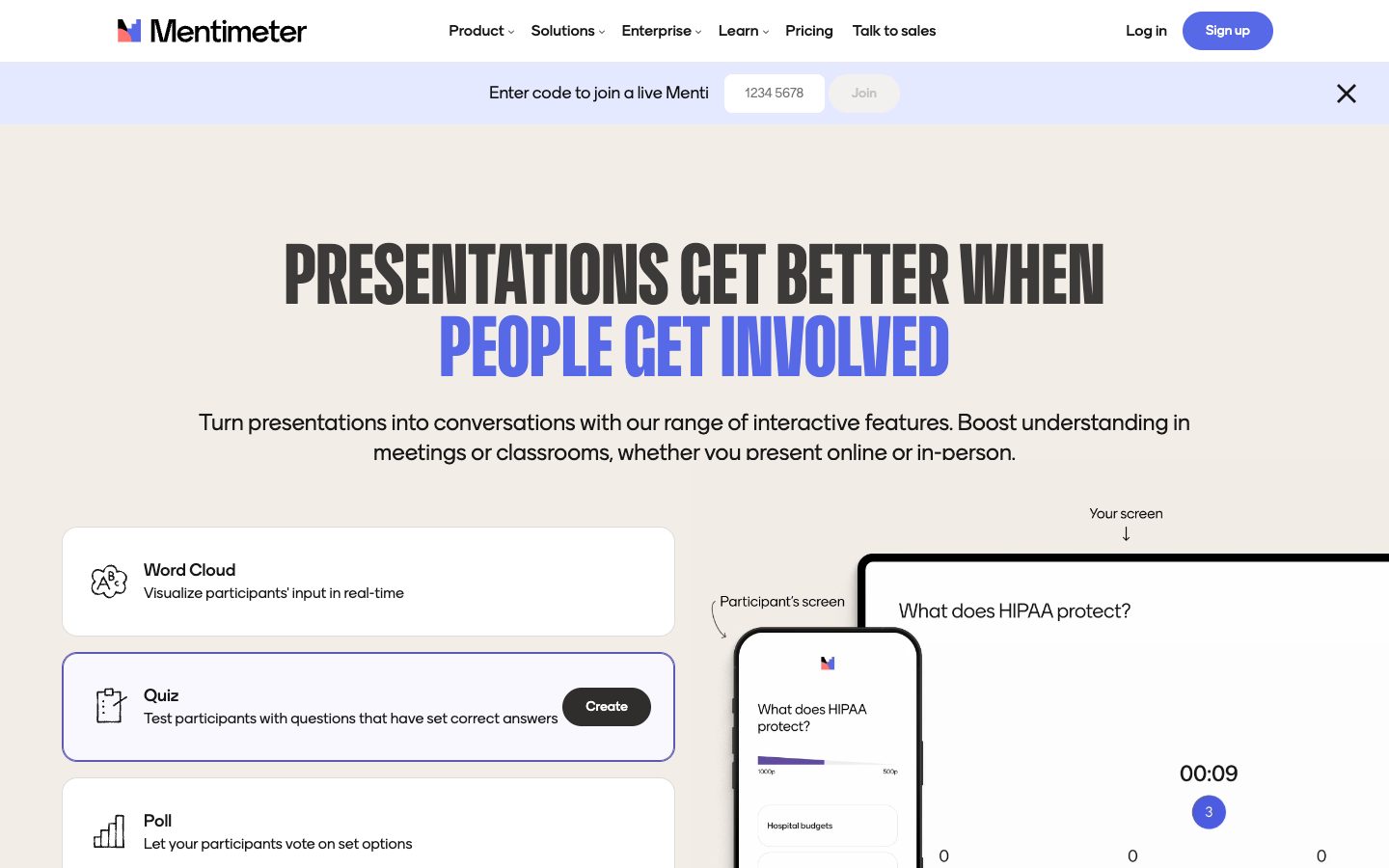
Mentimeter is the design-led polling alternative — a Swedish company founded in 2014, known for visually polished output and a strong free tier. Word clouds, polls, sliders, scales, and quizzes all look good on a projector, and the brand is widely used in education and conference markets.
Pricing is per presenter, per month: free for up to 50 participants a month, then Basic at $11.99/month per presenter and Pro at $24.99/month per presenter (both billed yearly; monthly billing is also available), and Enterprise with custom pricing. The 50-participants-a-month free cap is the main constraint — workable for a small team meeting, too tight for a real event.
Mentimeter is what you pick if visual polish is part of the experience, you want one tool to share across a team, and your budget covers per-user pricing. The trade-off versus Slido: less enterprise/Webex integration; trade-off versus ScoreJudge: same as the rest of the polling category — no entries model, no per-criterion scoring, no live leaderboard for ranked competition.
Pros: Polished, presentation-quality visuals; polls, quizzes, word clouds and Q&A; free for up to 50 participants a month.
Cons: Priced per presenter and billed yearly for the advertised rates; no way to run a judging panel or score entries against criteria.
Best for: design-conscious presenters and education teams who value visual quality and have a per-user budget.
3. AhaSlides
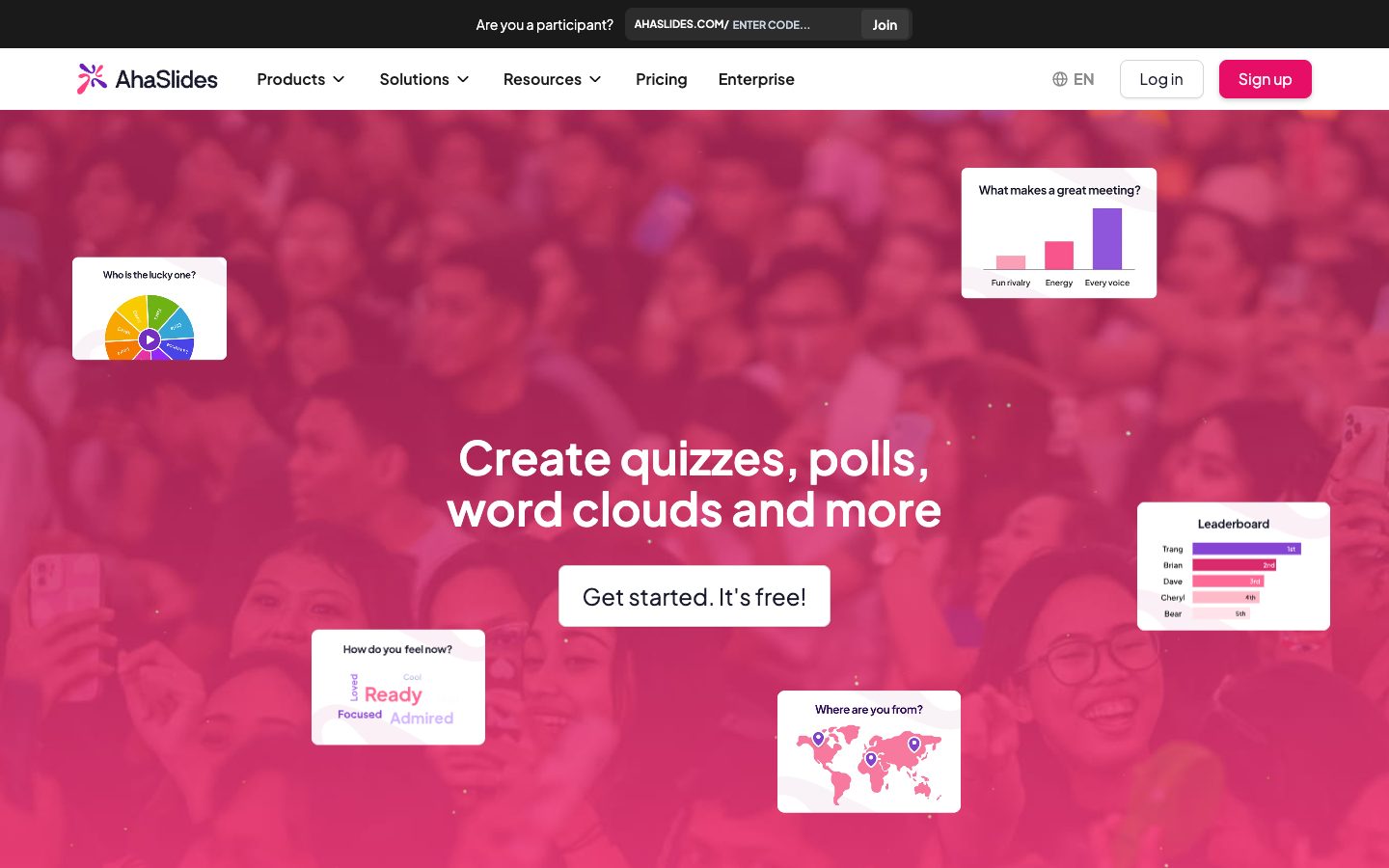
AhaSlides is the direct Slido alternative — a 2019 entrant explicitly positioned as a cheaper Slido replacement. Feature parity is close: live polls, Q&A, word clouds, quizzes, and ranking questions, with usable mobile-first voting and a free tier sized for small events.
Pricing is per-host, in a much friendlier band than Slido: free for up to 50 participants, with 5 quiz questions and 3 poll questions per presentation, then Essential from around $8/month and Pro from around $16/month billed yearly (month-to-month plans cost considerably more). The free tier is real, but the question limits push any full event flow onto a paid plan.
AhaSlides is the right pick if you've outgrown Slido's free tier, can't justify the paid tier per host, and your event shape is still polling-first. It's also a credible Slido replacement for cost-sensitive teams running internal meetings and small events.
Pros: The friendliest price band of the presentation tools; free for up to 50 participants; quizzes come with a leaderboard.
Cons: The free plan allows only a handful of quiz and poll questions per presentation; its leaderboard ranks quiz players, not judged entries.
Best for: cost-conscious organisers running polling and Q&A at small-to-medium events.
4. ScoreJudge
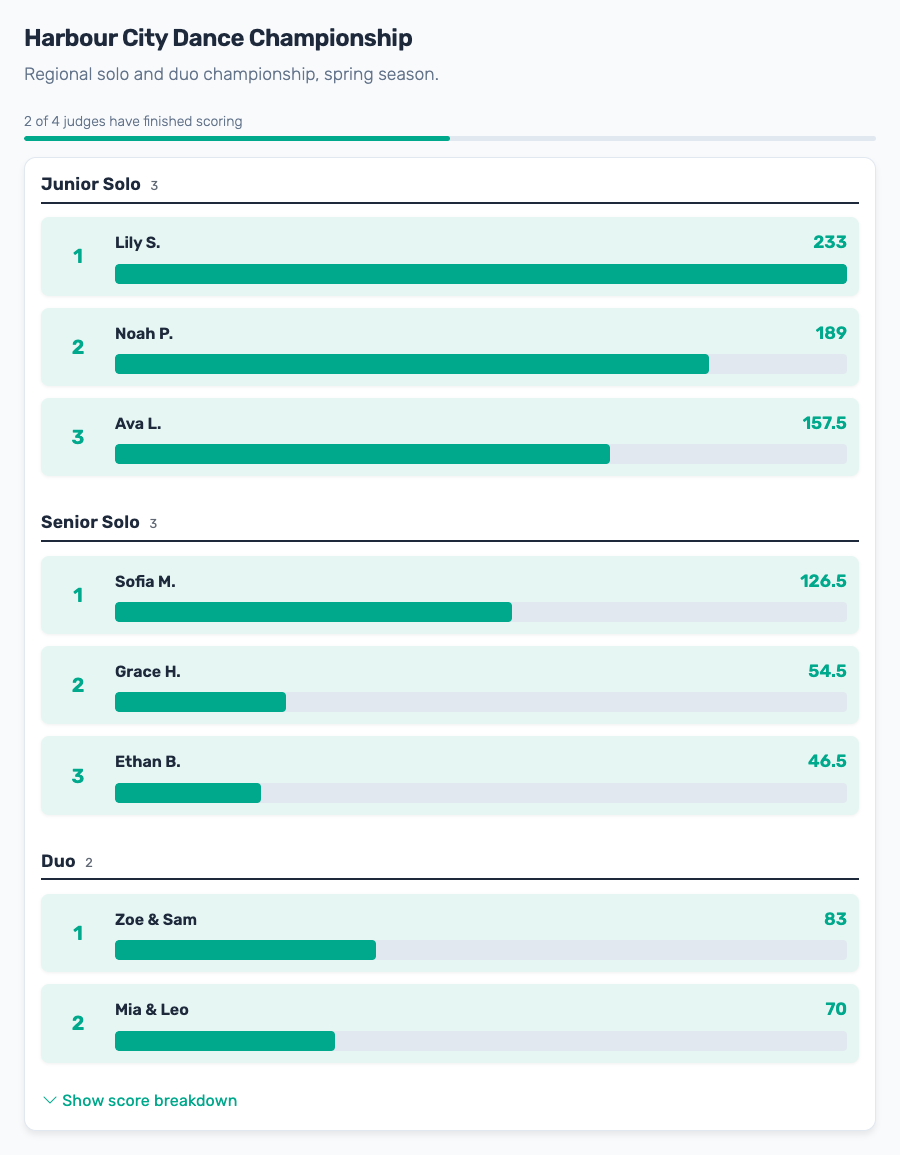
ScoreJudge takes a different shape from the rest: it's not a Slido-lite. It's a dedicated live competition scoring tool. Instead of polls and Q&A, an organizer adds entries (contestants, dishes, demos, performances), defines scoring criteria, and shares a single voting link with the audience. Voters score each entry on the criteria — no account, no app install — and the leaderboard updates in real time, designed to be projected on the big screen during the event itself.
Three audience modes cover the common patterns:
- Audience Scoring — voters give each entry a numeric score on your criteria (e.g. "Taste 1–10", "Presentation 1–10"). Best when you want quantitative per-criterion feedback. For long events, voters can skip entries they didn't see.
- Audience Ranking — voters drag entries into their preferred order, and points are distributed Eurovision-style (12 to the top, 10 to the second, and so on). Best for "best of" preference polls and watch parties.
- Audience Favorite — voters tap the one entry they liked best. Best for a quick People's Choice vote.
There's also a Panel Judging mode for events with a group of named expert judges, each with a private scoring link. It adds what judged competitions need and polling tools don't have: categories (classes, divisions, or age groups, each with its own ranking, and judges assigned per category), Drop Score to discard each entry's highest and lowest judge score, and private judge notes. See the panel judging vs audience voting comparison for when to use which.
Nobody but the organizer needs an account. Each judge gets a private link by email or message and scores from their phone, and the audience gets one shared link or a QR code on the big screen. There are no logins to set up, no invitations to accept, and no passwords to reset on the night. When the event is over, every result can be exported, on every plan including the free one: a CSV with each entry's total, rank, and per-criterion scores, a PDF of the results, and every judge's individual scores and notes for the audit trail. On Slido, data exports start with the paid Engage plan.
Pricing is public and self-serve. The free plan runs one small competition end to end — up to 10 entries, 5 judges, and 25 audience voters. Plus from $19/month raises that to 50 entries and 250 voters per competition, and Pro from $39/month removes the voter cap (both billed annually). If you only run one event a year, a one-time purchase for a fixed period covers it instead of a subscription.
The honest gap versus Slido: no Q&A moderation, no word clouds, no multiple-choice polls, no Webex/Zoom integration. If your event is a conference, town hall, or training session, ScoreJudge isn't the right tool. For a talent show, hackathon final, cook-off, awards night, or any event where the judging is the show, that gap is exactly what gets removed from the product.
Pros: A free plan that runs a real competition (up to 10 entries and 5 judges); a live public leaderboard built for the venue screen; judges score from a link, with no account or app; panel judging, audience scoring, ranking and favorite modes; categories and judge assignment.
Cons: No submission forms or file uploads; no multi-round private judging; no custom logos or white-label.
Best for: organisers of live scored competitions — talent shows, hackathons, awards nights, cook-offs, watch parties, school events — who need a tool that produces a real leaderboard rather than a poll-style vote tally.
5. Kahoot
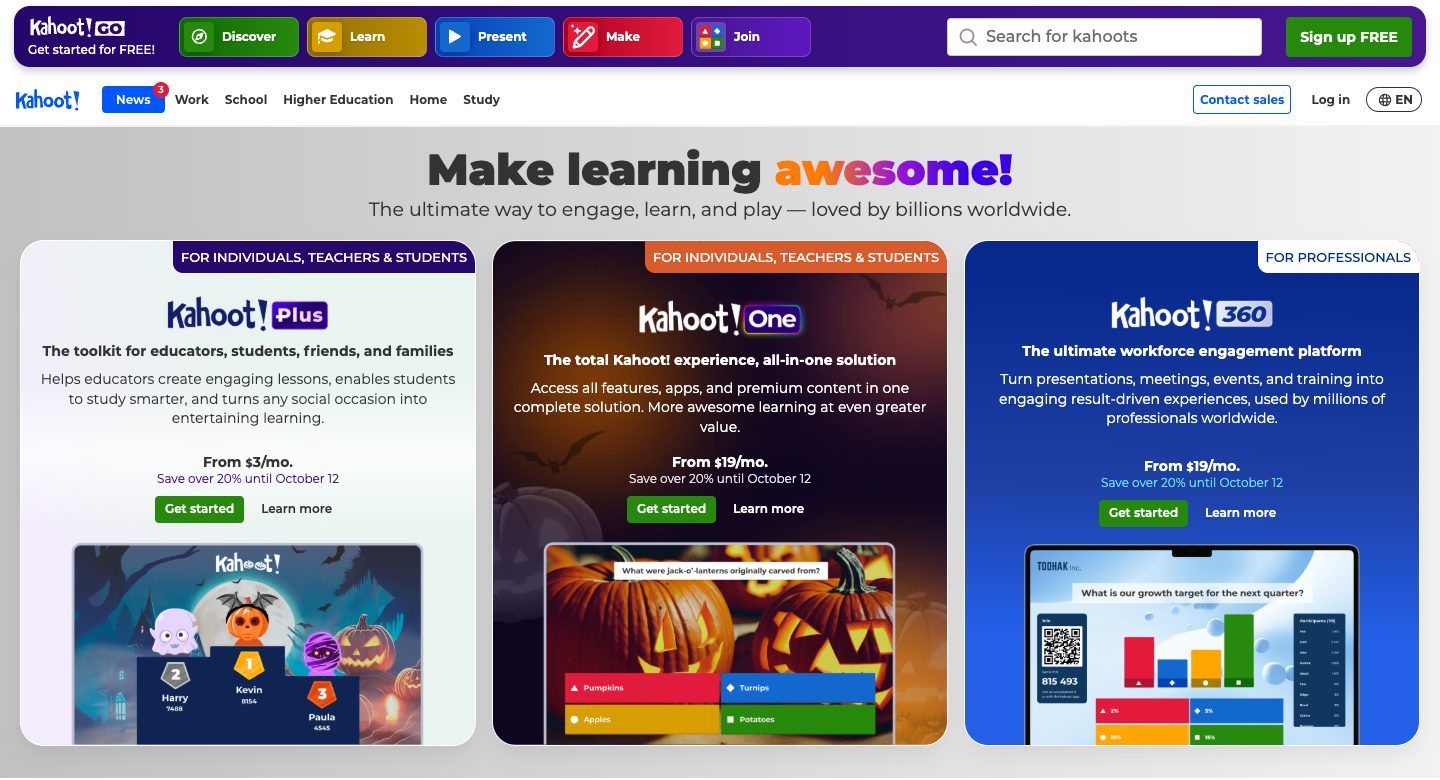
Kahoot is the gamified-quiz incumbent — a Norwegian company founded in 2012, widely used in classrooms and corporate training. It's not really a Slido alternative in the polling sense; it's a quiz-and-game-show platform where the audience competes individually against each other in timed multiple-choice rounds, with a leaderboard that updates between questions.
Pricing has been notoriously confusing — Kahoot offers a free account for personal use and testing, then business plans under the Kahoot! 360 brand that start at $19/month billed annually (Pro Start, up to 50 participants) and climb through 200-, 1,000-, and 5,000-participant tiers. Separate Education plans exist for schools. The free account is fine for low-stakes classroom use, but business and event use pushes you onto a paid plan quickly.
Kahoot is what you pick when you want a learning-game format — the audience plays a quiz, the engagement comes from the speed-and-fun mechanic, and the leaderboard ranks players (not entries being judged). It's the wrong tool for scoring entries against criteria; it's the right tool for trivia, learning quizzes, and energiser games.
Pros: The best-known quiz game, with a huge template library; free for personal use; Kahoot! 360 plans for workplaces.
Cons: A plan structure that is hard to compare; built for quiz games where the audience competes, not for scoring entries.
Best for: trainers, teachers, and event hosts running quiz-style learning games where the audience competes individually.
6. Spreadsheets + Google Forms (the DIY route)
The honest free option. A Google Form collects the audience's votes — one question per criterion, multiple choice or scale — and the results land in a spreadsheet that you average at the end of the night. For a one-off PTA bake-off, a five-act school talent show, or a small office award where you have no budget, it works and costs nothing.
The limitations show up the moment the event scales. No live leaderboard — the audience can't watch rankings move. No automatic aggregation across multiple criteria. No per-device duplicate prevention beyond Google's signed-in account check. No structured CSV export with criteria preserved. The organizer becomes the spreadsheet operator instead of running the event.
For most live competitions, the DIY route is what you use the first time. The second time, you reach for a tool — and the question is which one matches the event shape.
Pros: Free and familiar; nothing to sign up for.
Cons: No live leaderboard; judges see each other's scores in a shared sheet; totals are manual; no audit trail when a result is disputed.
Best for: organisers of a one-off, low-stakes scored event with under a dozen entries and no budget at all.
Comparison Table
| Tool | Starting paid price | Free tier | Live leaderboard | Entries + criteria scoring | Q&A and polls | Best for |
|---|---|---|---|---|---|---|
| Poll Everywhere | $10/presenter/month | 40-person audience | Quiz only | No | Yes | Education and corporate training |
| Mentimeter | $11.99/presenter/month | 50 participants/month | Quiz only | No | Yes | Visual polls, word clouds |
| AhaSlides | ~$8/host/month | 50 participants, 3 polls | Quiz only | No | Yes | Cheaper Slido replacement |
| ScoreJudge | From $19/month | 10 entries, 25 voters | Yes (real-time) | Yes (1–N criteria) | No | Live scored competitions |
| Kahoot | $19/host/month | Personal use only | Player-rank only | No | Quiz-style only | Learning games, quizzes |
| Spreadsheets + Forms | $0 | Always | No | Manual | Manual | One-off, no-budget contests |
| Slido (reference) | ~$17.50/month | 100 participants, 3 polls | Quiz only | No | Yes | Conference Q&A, town halls, training |
Starting prices are for annual billing and accurate as of October 2026. Confirm current pricing on each vendor's site before committing — this category moves quickly.
Why ScoreJudge Works for Scored Events
The polling tools all share a hidden assumption: your event has one question at a time and the audience picks from a list of options. Take that assumption away — the event has multiple entries being scored on multiple criteria with a real leaderboard — and the polling category gets clumsy fast. You can stuff each criterion into its own Slido poll, but you lose the per-entry aggregation and the audience experience becomes "fill out a survey", not "watch a competition unfold".
ScoreJudge was built for the scored shape. The organizer adds entries directly (no per-poll setup), criteria are defined once in the wizard, judges and voters get links instead of accounts (no sign-up, no app), and the leaderboard updates the moment a ballot is submitted — designed to be projected on the venue screen during the event so the audience watches their favourite climb in real time. Afterwards the full results, down to each judge's score on each criterion, export to CSV or PDF. There's no Q&A, no word cloud, no multiple-choice poll. The trade-off is honest: for a conference Q&A, ScoreJudge is the wrong shape and Slido is the right one. For a talent show, the polling tools are the wrong shape and ScoreJudge is the right one.
The other quiet advantage: pricing that fits how competitions actually happen. Most scored events run once or a few times a year, so instead of an annual licence you can buy a one-time plan for the period around your event. And you can try the whole flow first — the free plan runs a small competition end to end (10 entries, 25 audience voters) with the live leaderboard and full CSV export, so you see exactly what the audience and the big screen will see before you pay.
For a deeper walkthrough of the audience voting experience, see the step-by-step audience voting guide or the talent show how-to. For the panel-judging side of ScoreJudge, see how multi-judge scoring works and the panel vs audience comparison.
The Bottom Line
If your event is built around polling and Q&A — a conference, a town hall, a training session, a classroom — Slido is a deliberate, mature choice, and its closest direct competitors (Poll Everywhere, Mentimeter, AhaSlides) are the right shortlist. The category is the right shape; the choice between them comes down to price band, integration needs, and visual style preference.
If your event is built around scored competition — a talent show, a hackathon, a cook-off, an awards night, a watch party — the polling tools are the wrong shape and price isn't the main reason. ScoreJudge is the dedicated live-scoring option in this market, and you can run a real competition on the free plan before you spend a dollar. If you need both Q&A and competition at the same event (a conference with a demo competition in the evening), run Slido and ScoreJudge in parallel — neither requires the audience to install anything, and the two tools coexist fine.
Looking for narrower context? See the audience voting landing page for the in-product walkthrough, the Eurovision voting page for ranked watch parties, or the Judgify alternatives guide if your shortlist also includes submission-and-award-management platforms.
Frequently Asked Questions
Is ScoreJudge a true Slido alternative?
Only for scored events — talent shows, demos, cook-offs, awards. For conference Q&A, multiple-choice polls, or word clouds, Slido and Poll Everywhere remain the right tools. The two categories solve different problems and they coexist fine — many event organisers run Slido for the day-time Q&A and ScoreJudge for the evening competition.
What's the cheapest Slido alternative?
For polling and Q&A, AhaSlides and Poll Everywhere are the cheapest direct alternatives — both have free plans for small audiences and paid plans from around $8–10/month on annual billing, and both also sell month-to-month plans (Slido sells only annual or one-time event plans). For scored events specifically, ScoreJudge's free plan lets you run a small competition end to end (10 entries, 25 audience voters), and the Plus plan starts at $19/month.
Does Slido have a free version?
Yes — Slido's free Basic plan allows up to 100 participants per slido, basic Q&A, 3 polls and 1 quiz. It's a real plan, not a trial. Paid plans (Engage, Professional, Enterprise) are billed annually, or you can buy a one-time plan for a single event of up to 7 days; Slido doesn't offer monthly billing. For a single low-stakes event with under 100 attendees and a handful of polls, the free plan is usually enough.
Which Slido alternative is best for talent shows and competitions?
ScoreJudge. Talent shows, hackathons, and cook-offs need several entries scored against several criteria, combined into one live leaderboard. Slido's rating poll rates one thing at a time and its ranking poll orders a list, so scoring ten acts on three criteria means thirty separate polls and adding the results up yourself. ScoreJudge's Audience Scoring, Audience Ranking, and Audience Favorite modes handle this natively.
Can I run audience voting and panel judging on the same tool?
On Slido, no — there's no concept of named expert judges with private links. On ScoreJudge, yes — the standard pattern is to create two competitions for the same event: one in Panel Judging mode (named judges, private links) and one in Audience Scoring or Audience Ranking mode (one shared link). Award separate Judges' Choice and People's Choice prizes from the same set of entries.
Do judges or voters need an account on ScoreJudge?
No. Only the organizer signs up. Judges each get a private scoring link, the audience gets one shared link or QR code, and nobody installs an app or creates a login. After the event you can export everything — results as CSV or PDF, plus every judge's individual scores and notes — on every plan, including the free one.
Which alternative is closest to Slido in features and scope?
AhaSlides and Poll Everywhere are the closest direct matches — both cover the same polling, Q&A, and word-cloud territory. Mentimeter is also close but design-led rather than enterprise-led. For Slido's specific niche of corporate event Q&A with Webex/Zoom integration, Poll Everywhere and AhaSlides are the most credible head-to-head competitors.
Does ScoreJudge work for conferences and town halls like Slido does?
No — and that's the cleanest functional gap between the two products. Slido is built for asking the audience questions during a presentation (Q&A, polls, word clouds, quizzes). ScoreJudge is built for scoring entries during a competition. For a typical conference, Slido is the right tool; for a typical award night, ScoreJudge is. For mixed events with both, run them in parallel — neither requires the audience to install anything.
How quickly can I switch from Slido to ScoreJudge for a competition?
Minutes. Create a competition, paste in your entries, pick Audience Scoring, Audience Ranking, or Audience Favorite, and share the link as a QR code from the stage — no data migration is needed and there's no judge or voter account creation. If you're already running Slido for the day-time programme, leave it running and add ScoreJudge for the competition segment of the event.
Try ScoreJudge Today
No installation, no judge accounts, no app for voters. Try it free on a small contest — set one up in under five minutes and see the leaderboard light up the room.