Technical Requirements
Score Judge works on any modern device with a browser. No installation required.
Technical Requirements
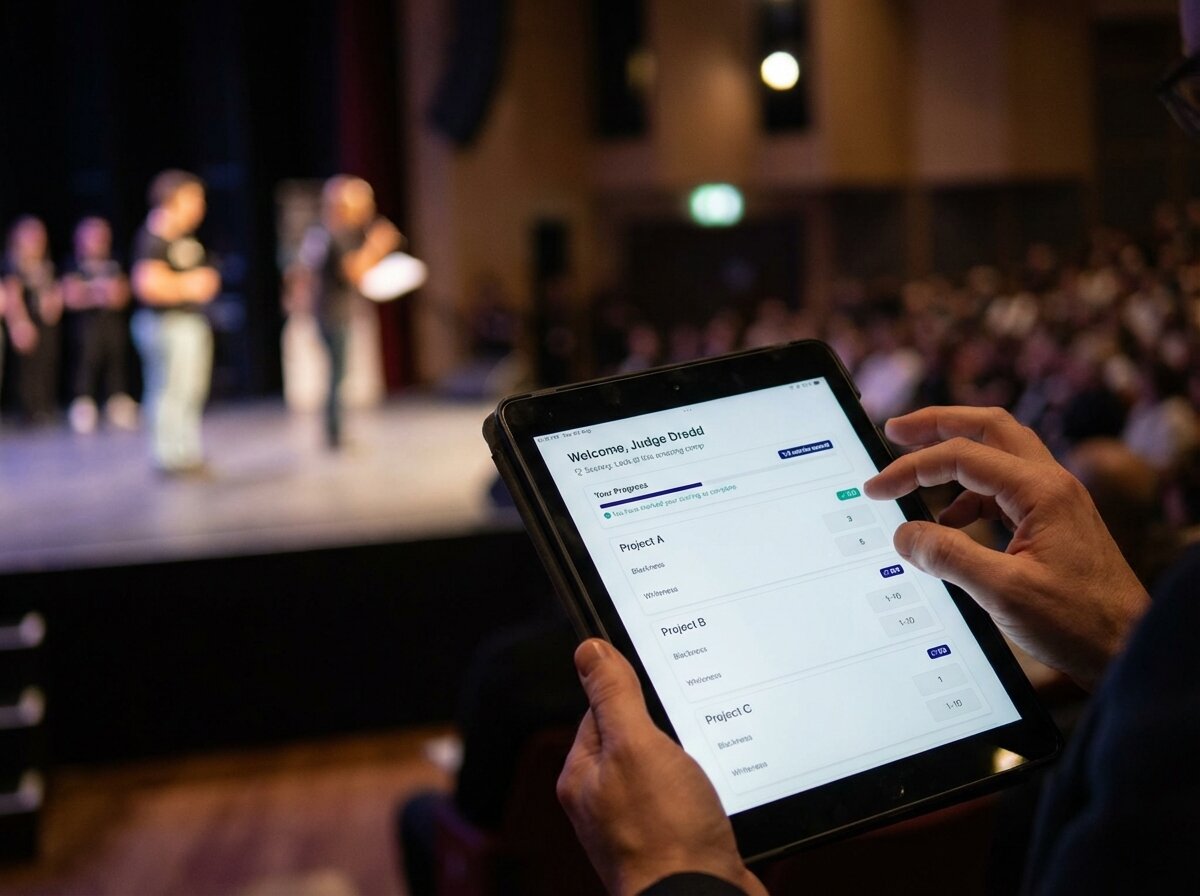
Score Judge works on any modern device with a web browser. No installation required!
For Judges
- Browser: Any modern web browser (Chrome, Firefox, Safari, Edge)
- Device: Smartphone, tablet, laptop, or desktop computer
- Internet: Active internet connection
- No Login Required: Judges access their scoring panel via a secure link
For Organizers
- Account: Free account to create and manage competitions
- Browser: Any modern web browser
- Internet: Active internet connection for setup and monitoring
For Audience Display
- Browser: Any modern web browser
- Display: TV, projector, or any screen with web browser access
- Internet: Active internet connection for live updates
- Optional: Can be embedded in live streams (OBS, vMix, etc.)
Supported Browsers
- Google Chrome (recommended)
- Mozilla Firefox
- Safari (macOS and iOS)
- Microsoft Edge
- Opera
Mobile Support
Score Judge is fully mobile-responsive and works great on: - iOS devices (iPhone, iPad) - Android devices (phones and tablets) - Any device with a modern mobile browser
Accessibility
Score Judge follows web accessibility standards (WCAG 2.1) and works with: - Screen readers - Keyboard navigation - High contrast modes - Text scaling
For questions about technical requirements, contact us at [email protected].