Voting Modes: Panel Judging vs Audience Voting
Understand the two ways to run a Score Judge competition — a closed expert panel, or an open audience using scoring, ranking, or a single favorite pick.
Score Judge supports two broad approaches to collecting results, depending on who is voting:
- Panel Judging — a closed group of named judges, each with a private link.
- Audience Voting — anyone with a shared link can vote, in one of three flavors: Audience Scoring, Audience Ranking, or Audience Favorite.
Panel Judging
A set of named judges each score entries privately using a unique link.
How it works: You add judges by name. Each gets a unique scoring link — no login, no app. You copy and send the link yourself (email, Slack, text, whatever). Judges score each entry against your criteria independently. Results are combined automatically — summed or averaged, see Competition Settings.
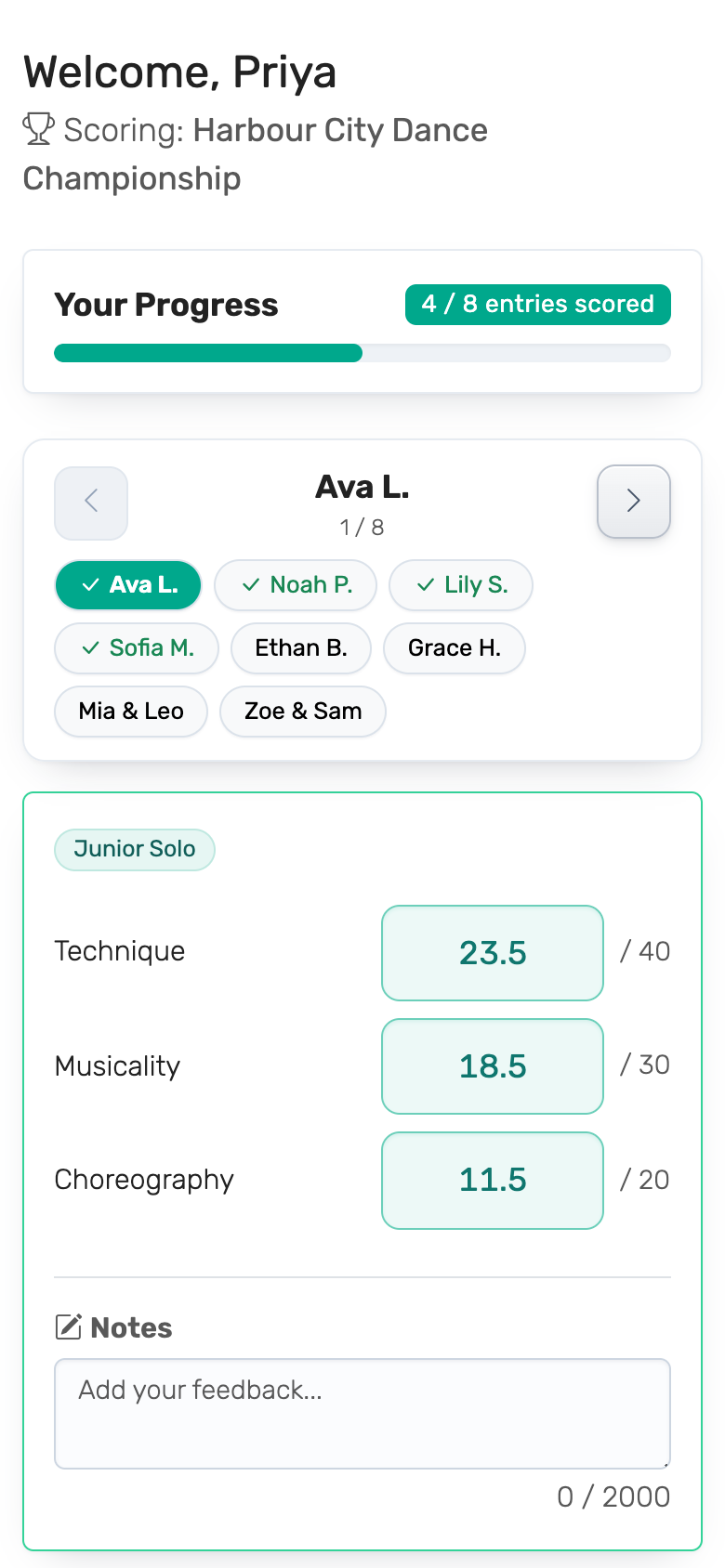
Best for: Science fairs, pitch competitions, talent shows with official judges, any event where scores should be private and per-judge accountability matters.
Flow:
- Add entries
- Define scoring criteria (e.g. "Creativity", "Presentation", "Impact")
- Invite judges — each gets a unique link
- Judges score privately; live leaderboard updates as scores come in
Audience Voting
Share one link with your audience. Anyone with the link can vote once. Three flavors share this structure — pick whichever matches how you want voters to express their preference.
Audience Scoring
Audience members give each entry a numeric score on your criteria.
How it works: You get a single voting link to share with your audience. Anyone with the link can rate each entry on your criteria. Each person votes once. All scores are aggregated into a leaderboard. By default voters score every entry; for long events you can let voters skip entries they didn't see.
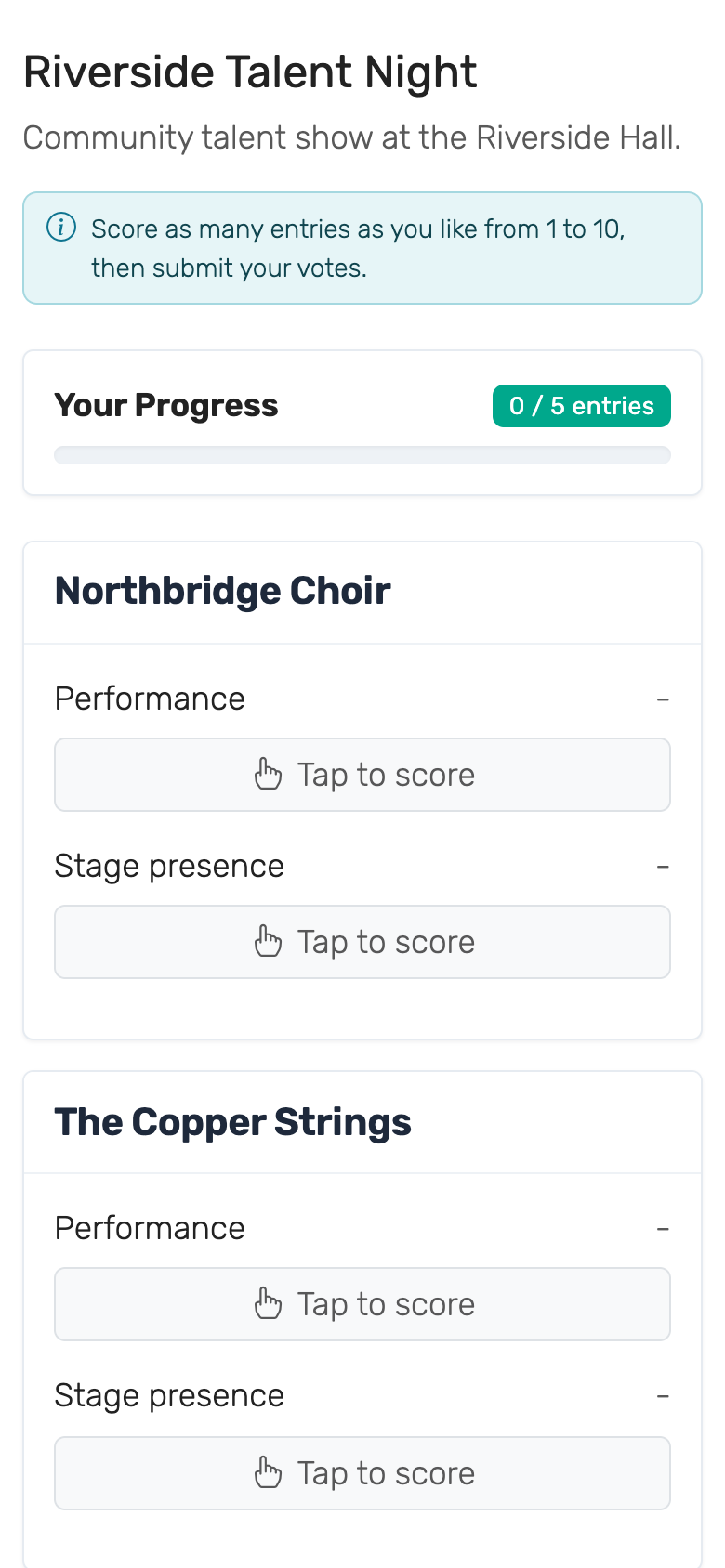
Best for: Class favorites, food tastings, audience awards, any event where you want broad crowd input rather than a curated panel.
Voter limits: The free plan allows up to 25 audience voters per competition. The Plus plan raises this to 250, and the Pro plan has no limit. See the pricing page for details.
Flow:
- Add entries
- Define scoring criteria
- Share the voting link (display on screen, QR code, etc.)
- Audience scores; live leaderboard updates in real time
Audience Ranking
Audience members drag entries into their preferred order. Points are awarded automatically.
How it works: Each voter arranges all entries by preference — no numeric scores involved. The system converts rankings into points using a Eurovision-style point distribution (12 to the top, 10 to second, and so on). Results from all voters are combined into a final leaderboard.
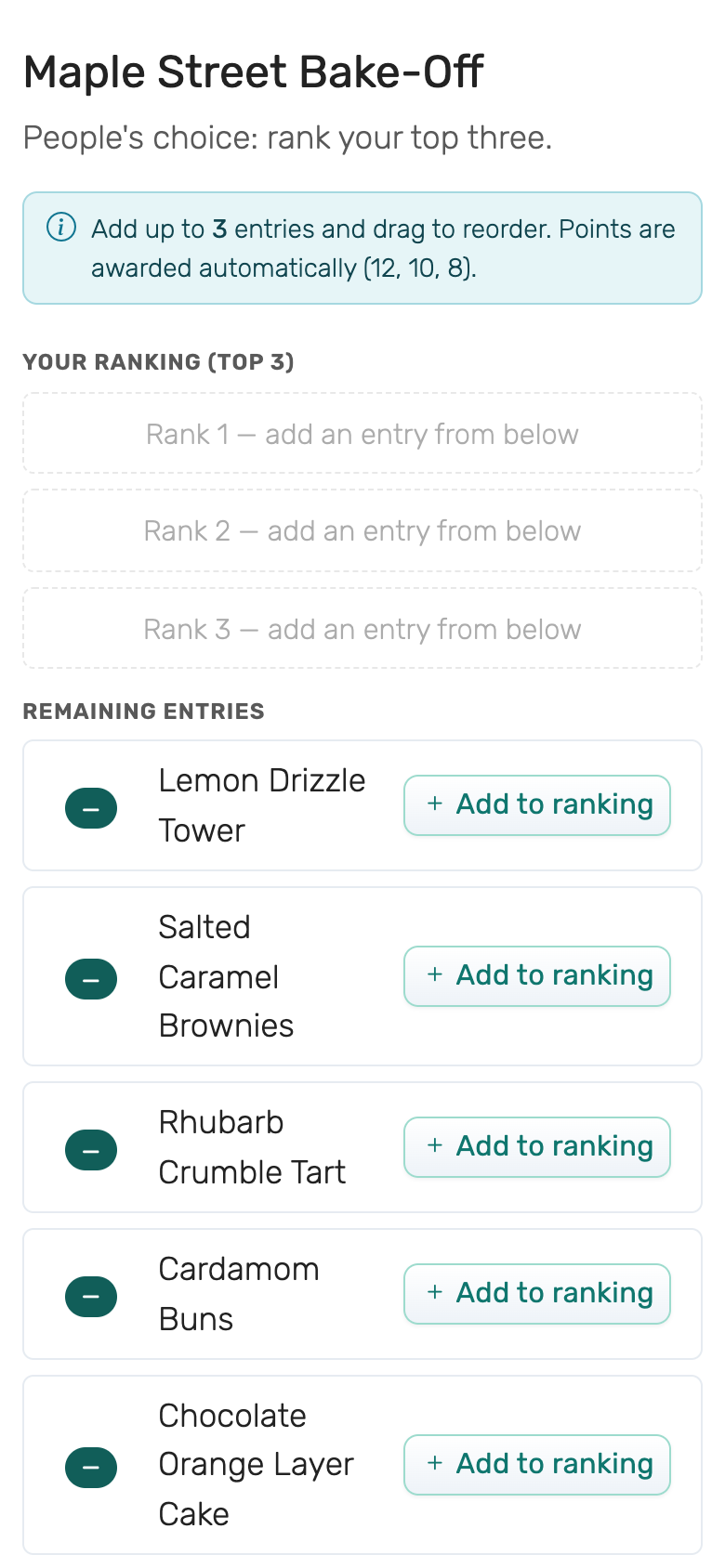
Best for: Eurovision watch parties, award ceremonies, "best of" polls, anywhere you want a preference ranking rather than absolute scores.
Voter limits: Same as Audience Scoring — 25 voters on the free plan, 250 on Plus, unlimited on Pro.
Flow:
- Add entries
- Share the voting link
- Voters drag entries into their order and submit
- Live leaderboard shows combined results
Audience Favorite
Audience members tap the single entry they like best and submit. No criteria, no ranking the rest of the field.
How it works: Each voter picks one entry from the full list and taps submit — no numeric scores, no ordering. Every vote is worth one point, so the leaderboard is a plain tally of favorites. Under the hood this is Audience Ranking with the maximum picks set to one.
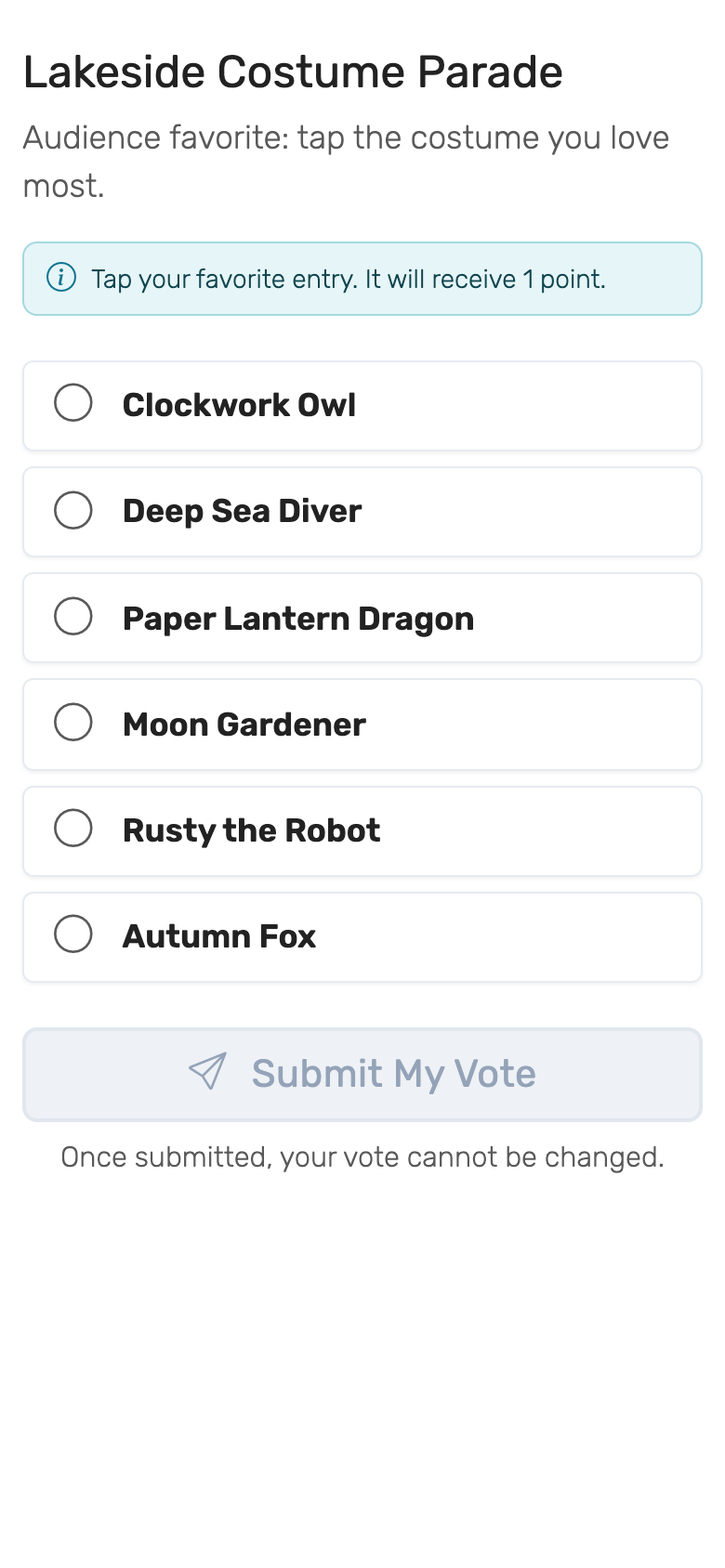
Best for: People's-choice awards, popularity polls, and any event where you just want a headcount of favorites rather than a scored or ranked breakdown.
Voter limits: Same as Audience Scoring — 25 voters on the free plan, 250 on Plus, unlimited on Pro.
Flow:
- Add entries
- Share the voting link
- Voters tap their favorite entry and submit
- Live leaderboard shows the vote tally
Choosing a Mode
The comparison below groups the three Audience Voting modes together, since they share a single shared voting link and per-plan voter limits — only the input style differs.
| Panel Judging | Audience Scoring | Audience Ranking | Audience Favorite | |
|---|---|---|---|---|
| Who votes | Named judges | Anyone with the link | Anyone with the link | Anyone with the link |
| Input type | Numeric scores per criterion | Numeric scores per criterion | Drag-to-rank | Tap one entry |
| Scoring criteria | Yes | Yes | No | No |
| Voter links | Individual per judge | One shared link | One shared link | One shared link |
| Voter limits | Per-plan judge limits | 25 / 250 / unlimited | 25 / 250 / unlimited | 25 / 250 / unlimited |
| Best for | Official judging | Audience scoring | Preference polls | People's-choice tallies |
If you're not sure, start with Panel Judging for formal events with named judges, or Audience Scoring for casual events where anyone in the room can participate.
Categories in each mode
Categories — a class, division or age group per entry — work in every mode. The public leaderboard splits into one section per category and the exports carry a Category column whichever mode you picked.
Two things behave differently:
- Restricting a scoring criterion to some categories works in audience modes too. A voter is only asked for the criteria that apply to the entry in front of them, exactly as a judge is. This applies to Audience Scoring; Ranking and Favorite have no criteria to restrict.
- Judge assignments are Panel Judging only. Audience modes have no named judges, so there is nobody to assign. The dashboard's Categories results view is panel-only for the same reason.